
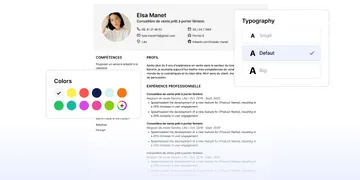
Create a perfect resume in minutes
Create a CV in just a few minutes with our recruiter-approved templates and our AI assistant.
Create your resume in 4 steps
Choose a recruiter-approved template.
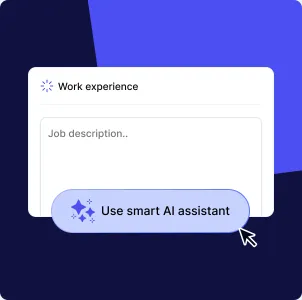
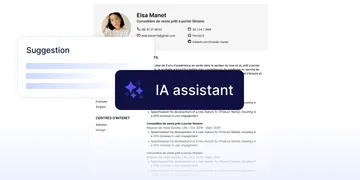
Complete your resume with the help of our AI assistant.
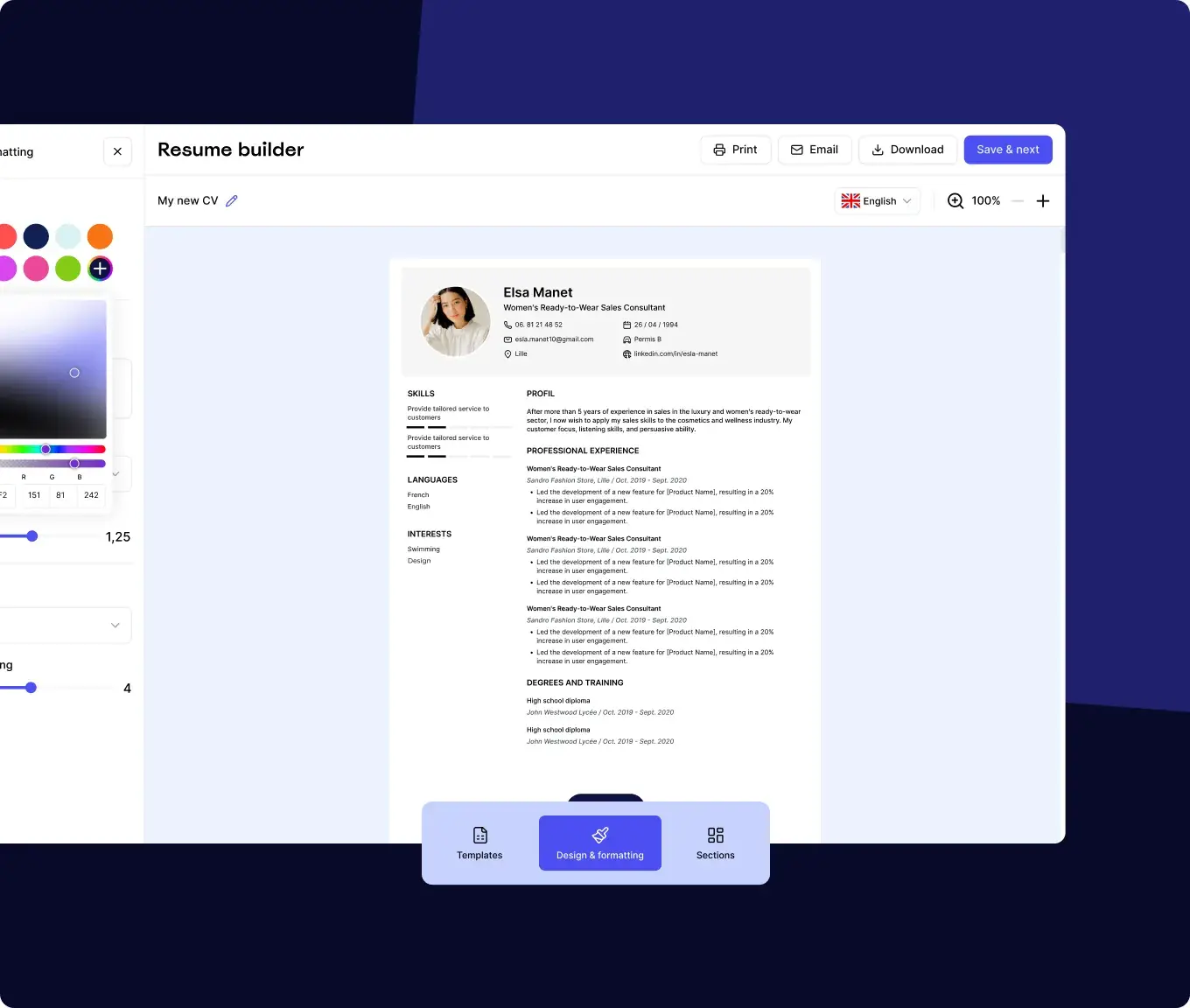
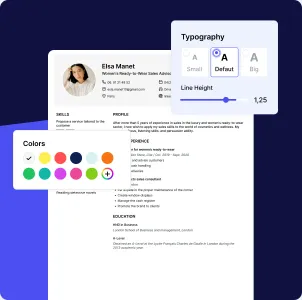
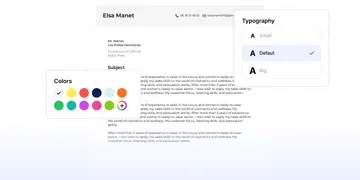
Customise the design according to your tastes.
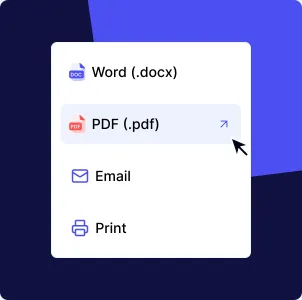
Download your resume and start applying.
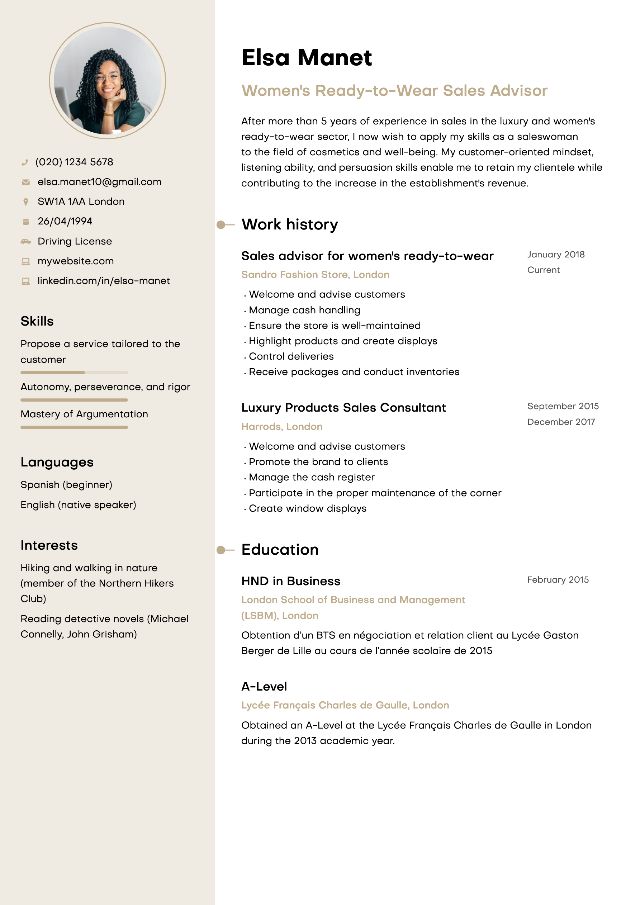
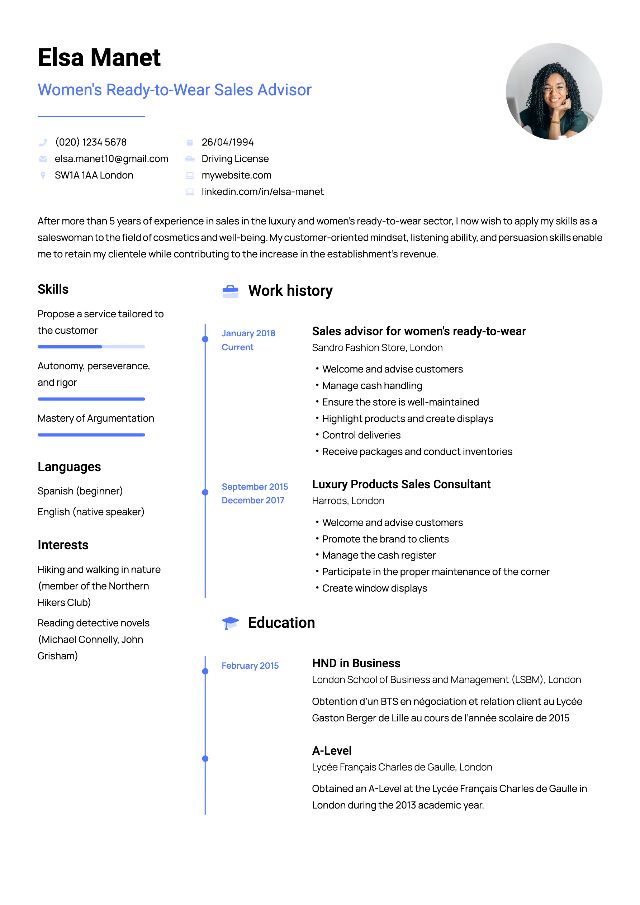
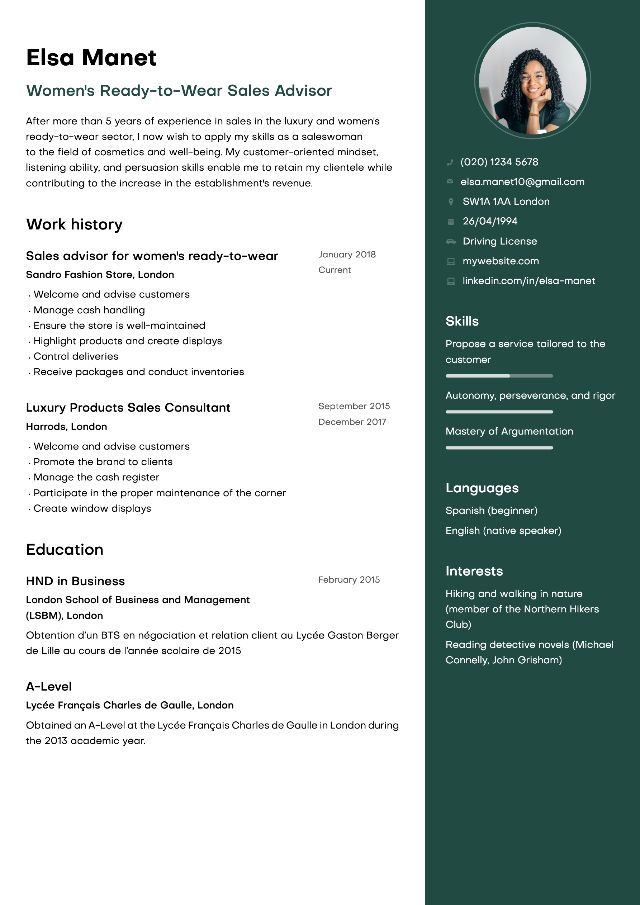
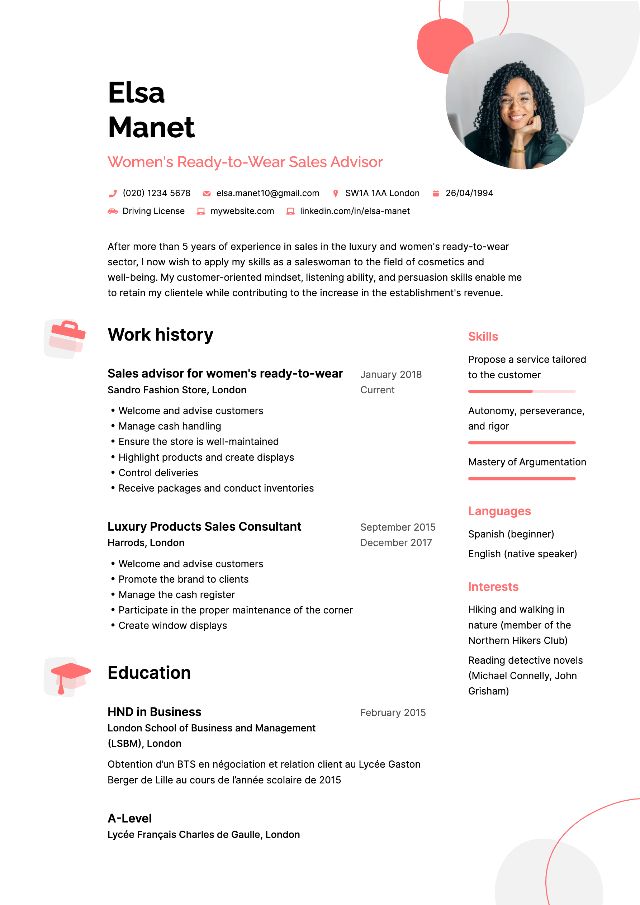
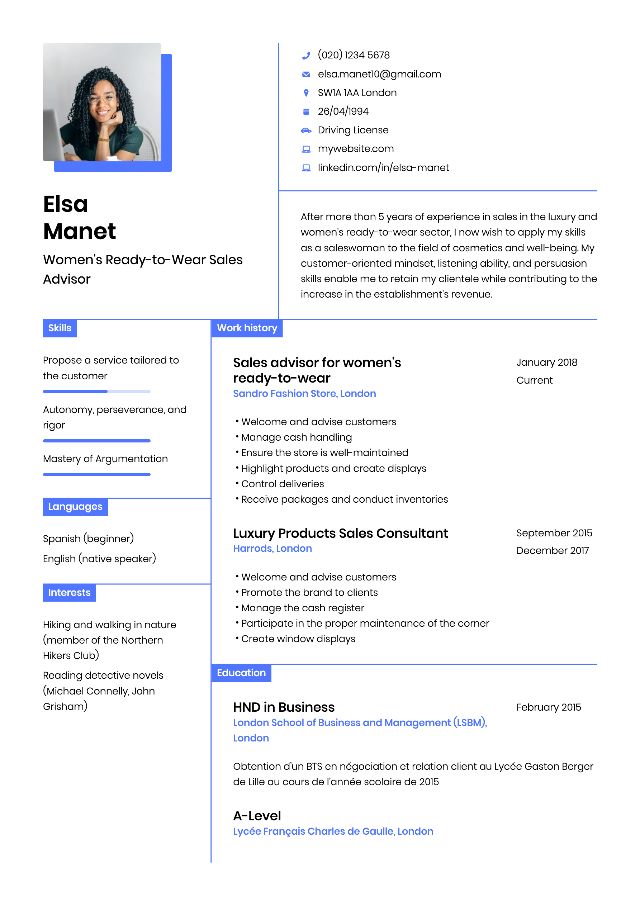
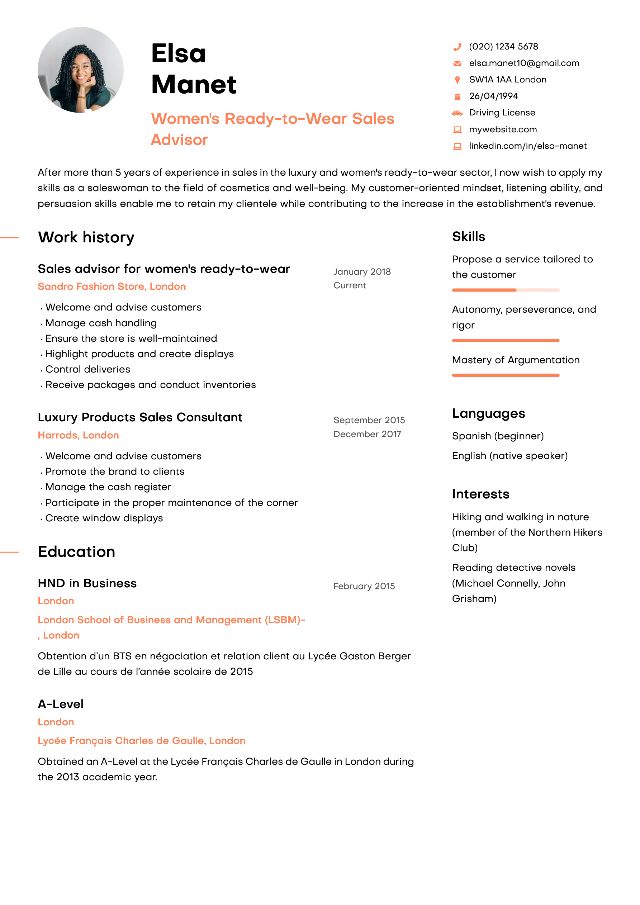
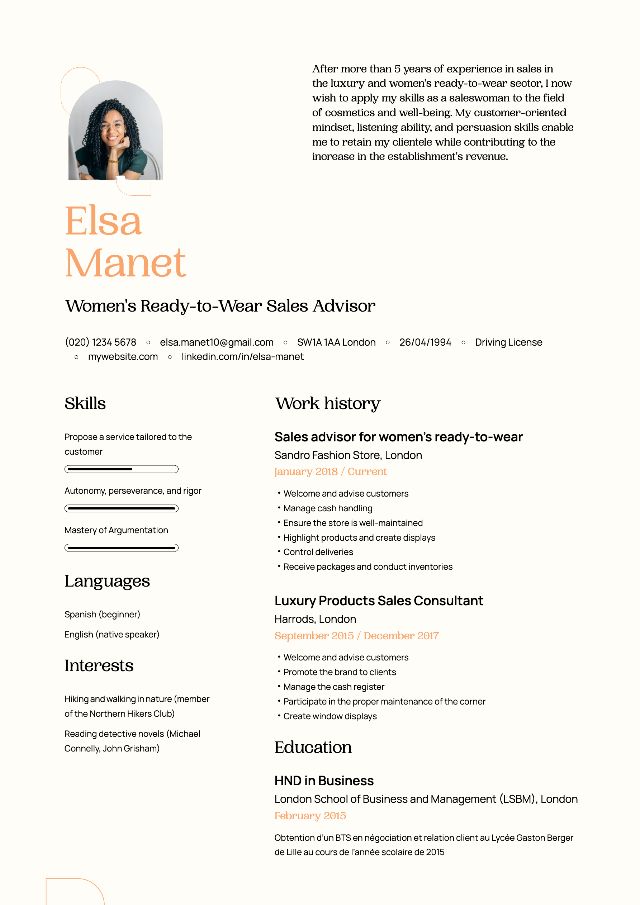
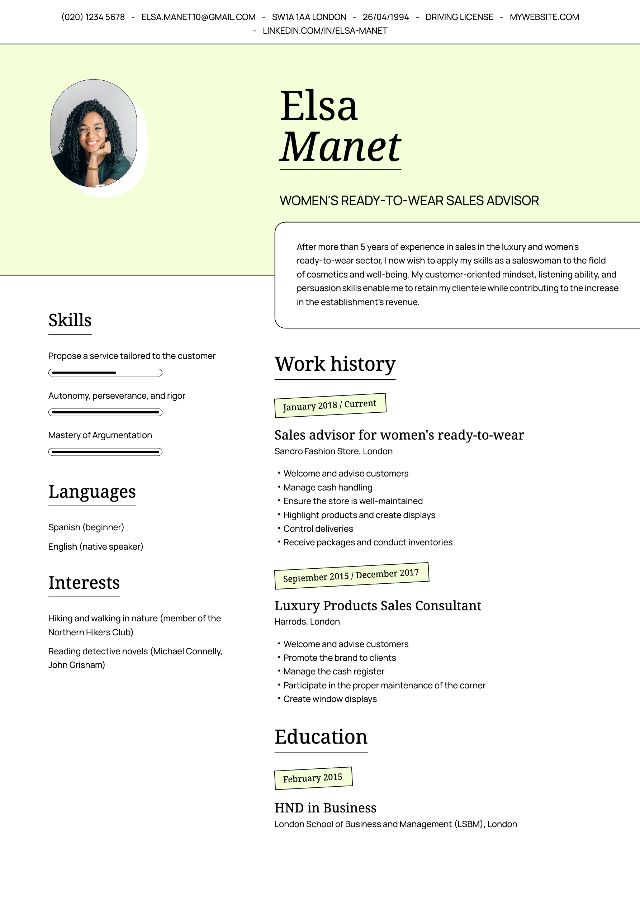
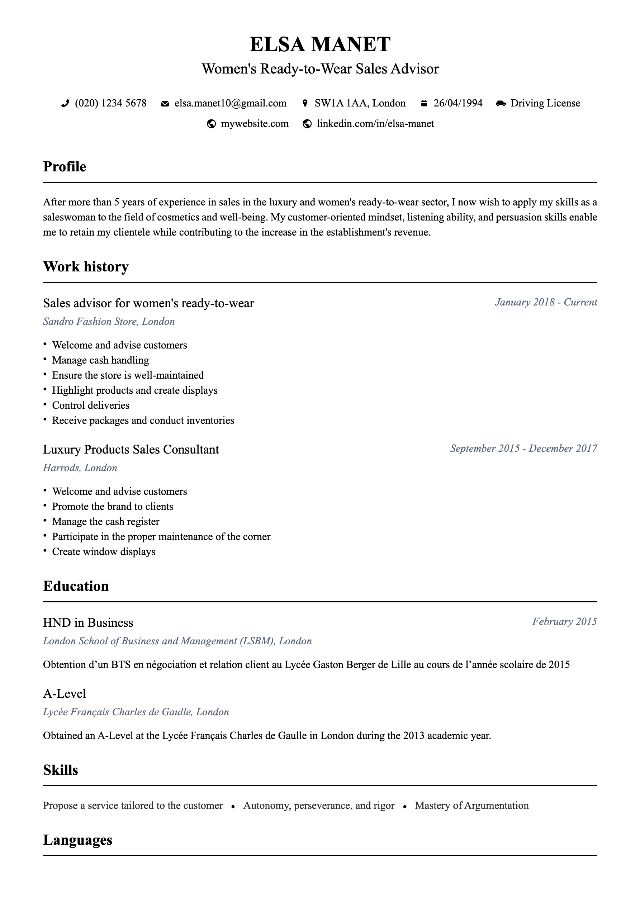
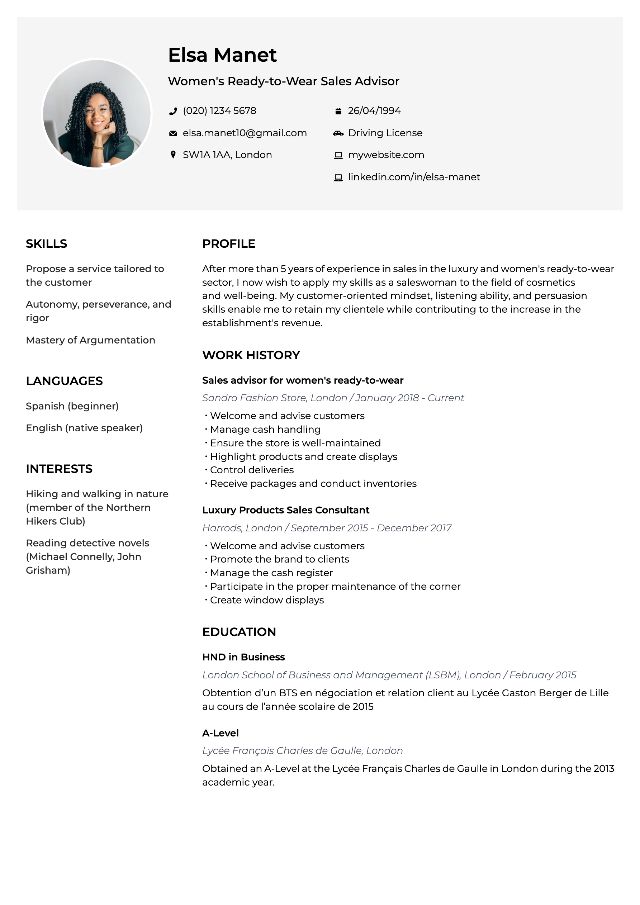
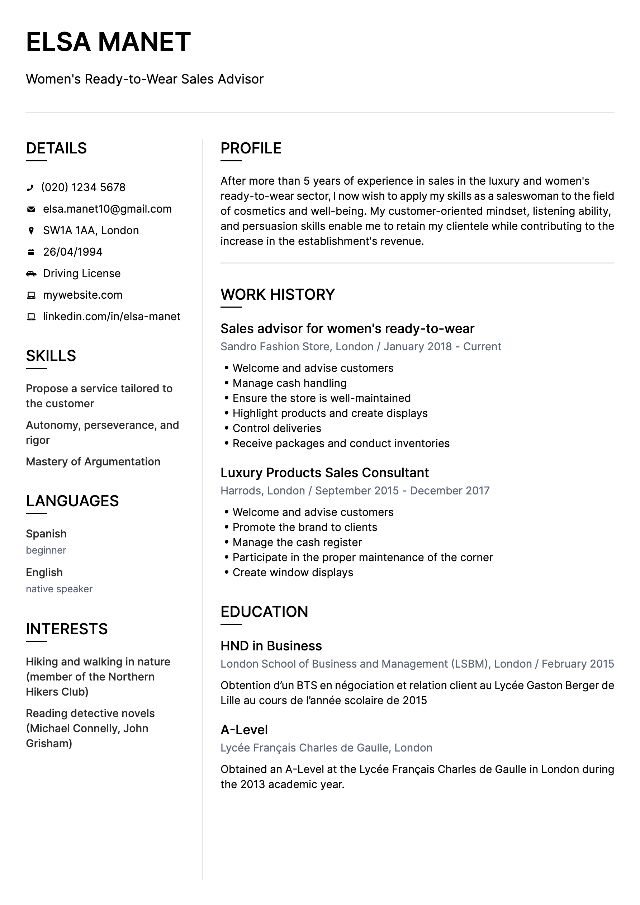
Choose your professional resume template
All our CV templates are approved by recruiters.
6 Reasons to Create Your CV with MakeMyCV
CV Creator
Our CV designer allows you to create a CV online quickly and easily.
Pre-written Content
No need to be a CV specialist! Take advantage of our pre-written content, validated by recruiters, to showcase yourself.
AI Assistant
Get content suggestions for your CV, crafted by AI and approved by recruiters.
Cover Letter Creator
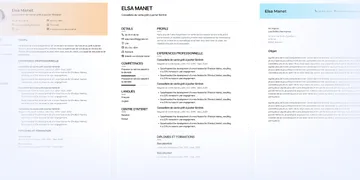
Create a matching cover letter in just a few clicks, using pre-written content.
Multilingual Templates
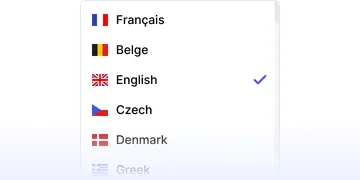
With one click, the CV headings are translated into the chosen language: English, Spanish, German, Italian...
Approved Templates
Our templates are approved by recruiters and optimized for ATS.
Online CV Creation: Easily Create a Stylish CV
What is the best resume builder software?
To create your professional CV, using an online CV creation software is the fastest and simplest way . The templates offered are validated by recruiters: this way, you maximise your chances of securing an interview for the desired position.
To create your CV, simply follow each of the steps below:
- Choose the CV design that suits you best from the fillable CV templates offered online
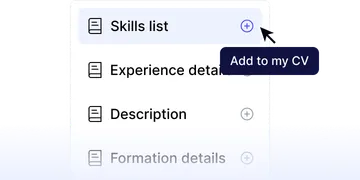
- Complete the fields of each section with your information (education, experiences, skills, languages…)
- Download the CV in PDF format
You can then edit your CV as you wish using our CV creation software. Convenient for sending a personalised application to different recruiters!
For a cover letter, the procedure is identical. Simply select a cover letter template and write your text directly online. You can also paste your letters from Word.
How to create a free online resume?
To test the online CV creation tool, a trial is offered. select the free and stylish CV template in the first step of creation . You can also create your CV for free using Open Office or Word. Note that some templates only include basic sections. For a professional CV, it is best to choose an online template.
Create a design CV from an online CV template
1 recruiter out of 2 places importance on the design of a CV. Maximise your chances by using a modern CV template.
CVs have evolved in recent years with colour and originality. The sections remain (title, experience, degrees, skills, languages), but it is important today to showcase your skills and qualities.
CV templates suitable for all types of jobs and profiles
On MakemyCV, students and professionals can find the CV template that suits them. Our designs adapt to all types of jobs and ages, and are validated by professional recruiters.
How to create a simple CV that will appeal to all recruiters?
The competition is fierce in the job market in 2026. A professional CV includes essential sections:
- Civil status
- Title
- Profile
- Professional Experiences
- Training
- Skills (qualities, languages and IT)
Some elements, such as interests, are optional. Stay understated and focus on clarity and readability .
Create an original CV to stand out from other candidates
In creative fields, a creative CV template can make the difference. The use of one or two colours, or graphic shapes to separate the sections helps you stand out.
How to easily create a design CV?
On MakemyCV, you will find CV templates suited for every type of job . Each model is available in different colours .
What colour to choose for a design CV?
We recommend blue as the unifying colour. By sector:
- yellow and orange for creative CVs in marketing and communication;
- red for commercial or banking professions;
- brown for construction or craftsmanship;
- green for ecology or wellness.
CV templates for every profession
In total, you will find 8 customisable CV templates to personalise infinitely with the colours of your choice.
How to use our CV designer?
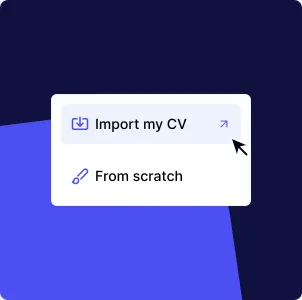
Click the blue “Create my CV” button. Two choices:
- Create a CV from scratch
- Import an existing CV
Once complete, change the CV template or customise colours and download!
How to create a CV without software?
Our online CV creator does not require tedious registration or software installation. Everything happens online with an intuitive interface.
Our tips for a good CV in 2026
- Only indicate relevant experiences
- Highlight achievements rather than tasks
- Add quantified results
- Highlight expected professional qualities
How to create a CV in PDF format?
All CVs are exportable in PDF format, compatible with ATS. Never import a CV in image format.
How to create a CV using your phone?
Our online CV designer is mobile friendly . Create directly from your smartphone without downloading an app.
Create and edit your resume in just a few clicks and without limits.
Stand out with a stylish resume template and land the job of your dreams.