How to create a free online CV?
To test the online CV creation tool, a trial is offered. All you need to do is select the free and stylish CV template in the first step of creation .
You also have the option of creating your CV for free using Open Office or Word. Free CV templates are offered when you open a new document . Pre-filled, you simply need to replace the text with your information.
Please note that some templates only include the “basic” sections (personal details, experiences, education, activities). To add other elements, such as a title or your professional skills, you will need to modify the document, with the risk of misalignment that this entails. For a professional CV that is compatible with your job, it is therefore best to choose an online CV template.
Create a design CV from an online CV template
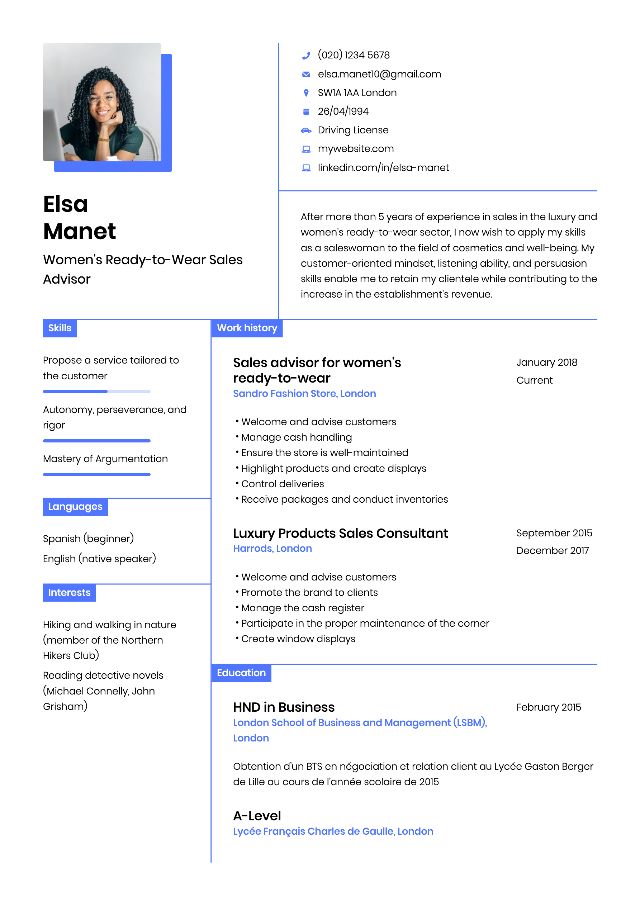
1 recruiter out of 2 places importance on the design of a CV. Maximise your chances of being selected for the job by using a modern CV template.
CVs have evolved in recent years. In terms of form, colour has appeared, and there is a greater willingness to embrace originality. In terms of content, the sections have not changed (title, experience, degrees, skills, languages), but it is important today to showcase your skills and qualities at work. Discover our CV writing guide to learn more and receive personalised advice based on your profile and the position sought.
CV templates suitable for all types of jobs and profiles
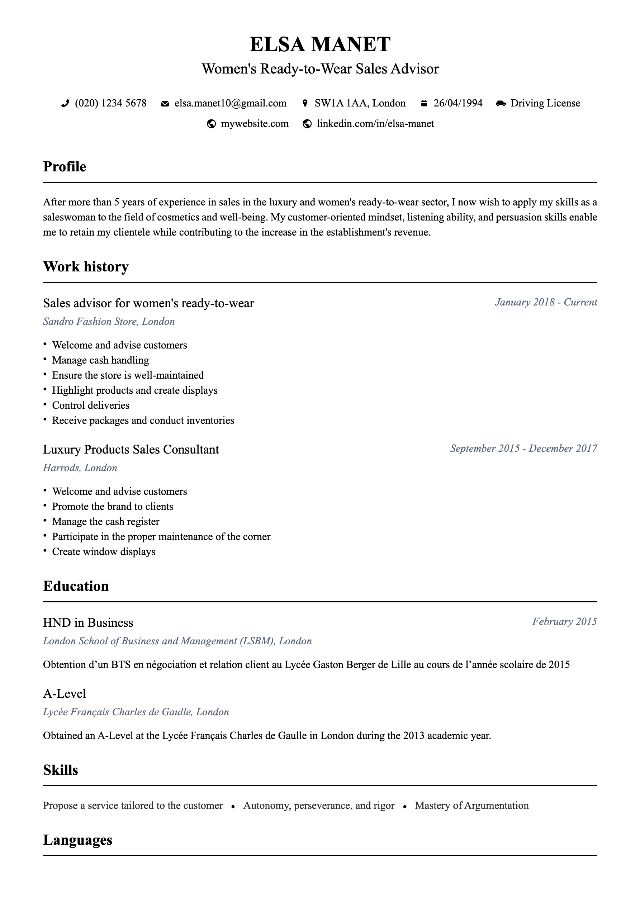
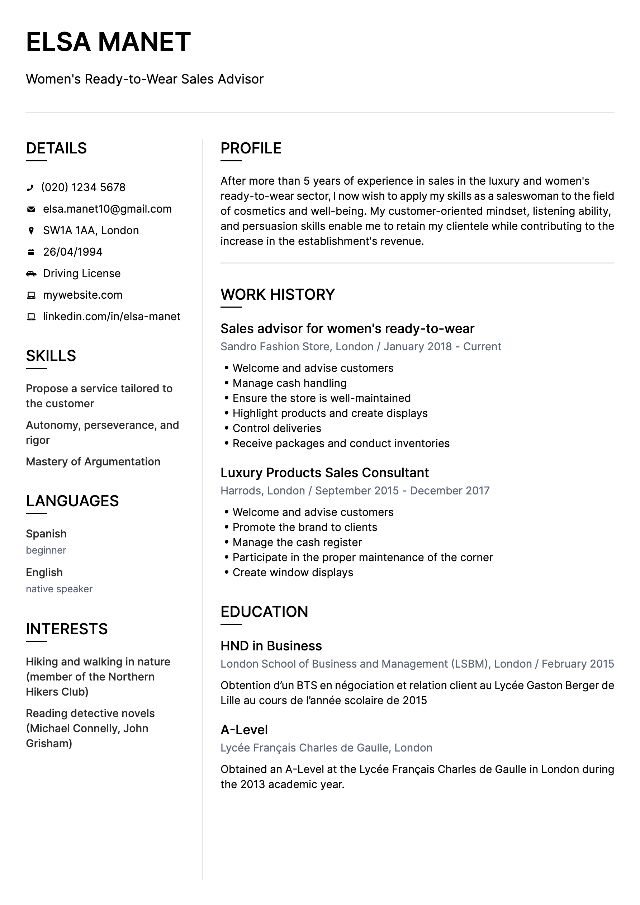
On MakemyCV, students and professionals can find the CV template that suits them. Whether understated or more modern, we have designed CV layouts that adapt to all types of jobs and ages. They are also compliant with current standards and validated by professional recruiters.
And for a perfectly cohesive application, do not hesitate to also use one of our universal cover letter templates. Whatever your profile and the job targeted, they will certainly appeal to recruiters.
How to create a simple CV that will appeal to all recruiters?
The competition is fierce in the job market in 2026. Many candidates are looking for work and are making extra efforts to attract recruiters. To increase your chances of landing an interview, some tips can help you.
A professional CV will be compartmentalised into various essential sections:
- Civil status
- Title
- Profile
- Professional Experiences
- Training
- Skills (qualities, languages and IT)
Some elements, such as interests, are optional.
For the presentation of your document, stay understated and focus on clarity and readability . You can nevertheless add a bit of colour to the section headings to make it more modern. Take inspiration from our simple CV templates available online.
Create an original CV to stand out from other candidates
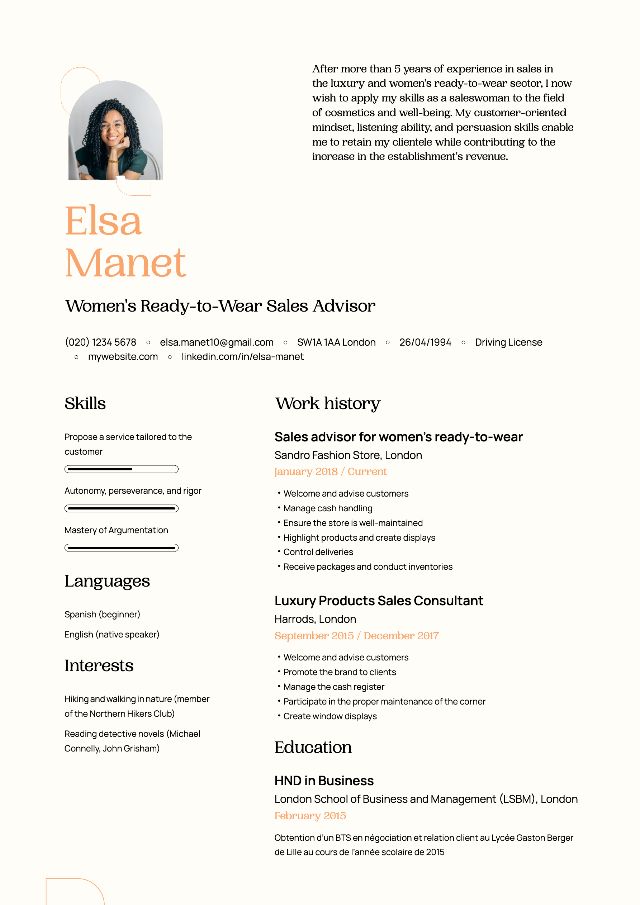
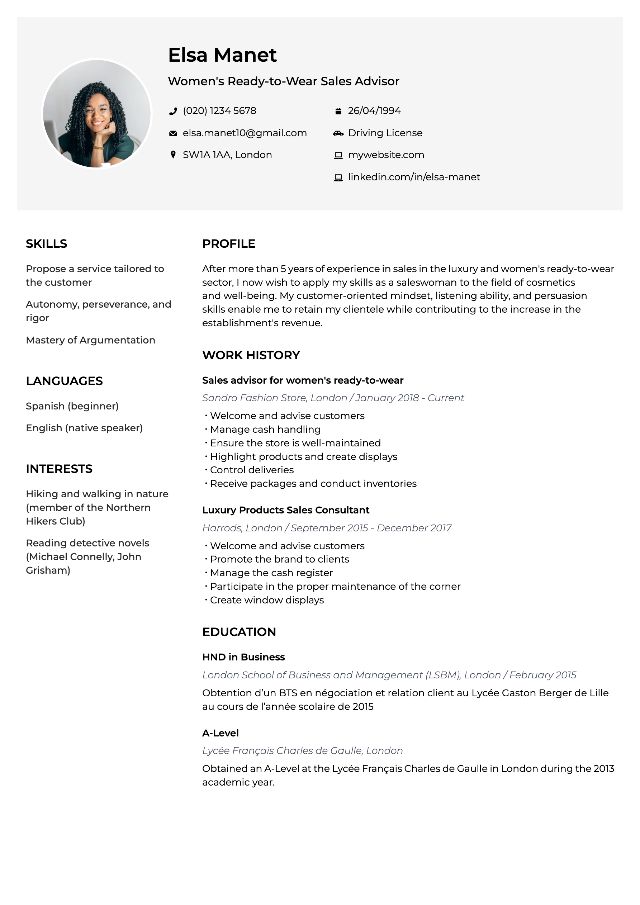
Are you applying in an artistic field or in communication? It may be wise to catch the recruiter’s attention with a creative CV template. Without overdoing it, the use of one or two colours, or graphic shapes to separate the sections of the document can make the difference . This is especially true for a recent graduate CV where personality takes precedence over professional experiences.
Show that you possess IT skills with a more modern presentation: whatever the position targeted, this will allow you to stand out.
How to easily create a design CV?
On MakemyCV, you will find CV templates suited for every type of job . Candidates from institutional sectors (banking, legal) will prefer a classic format. For other sectors, a modern presentation is advantageous. It allows you to clearly highlight the different sections of the CV. Take inspiration from CV examples available on our site to choose the best for you.
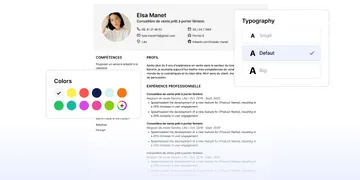
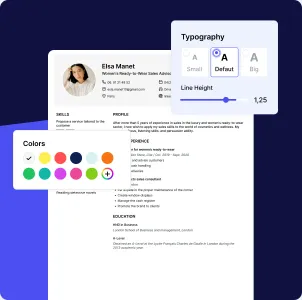
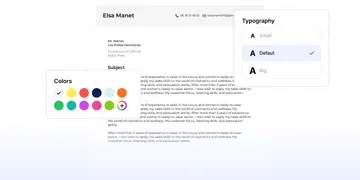
Each model is available in different colours , to choose from a palette. For a personalised CV that reflects your personality!
What colour to choose for a design CV?
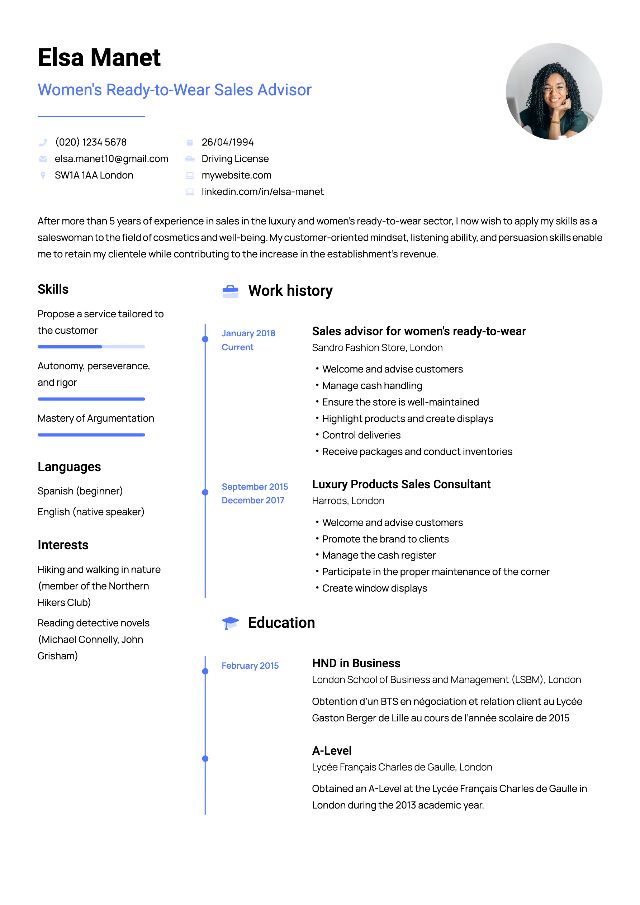
While the black and white CV remains a classic, it often turns out to be a bit dull. To create a stylish CV that will stand out everywhere , we recommend using blue, which is the quintessential unifying colour. Depending on your sector, you can easily personalise your CV template by choosing from different shades :
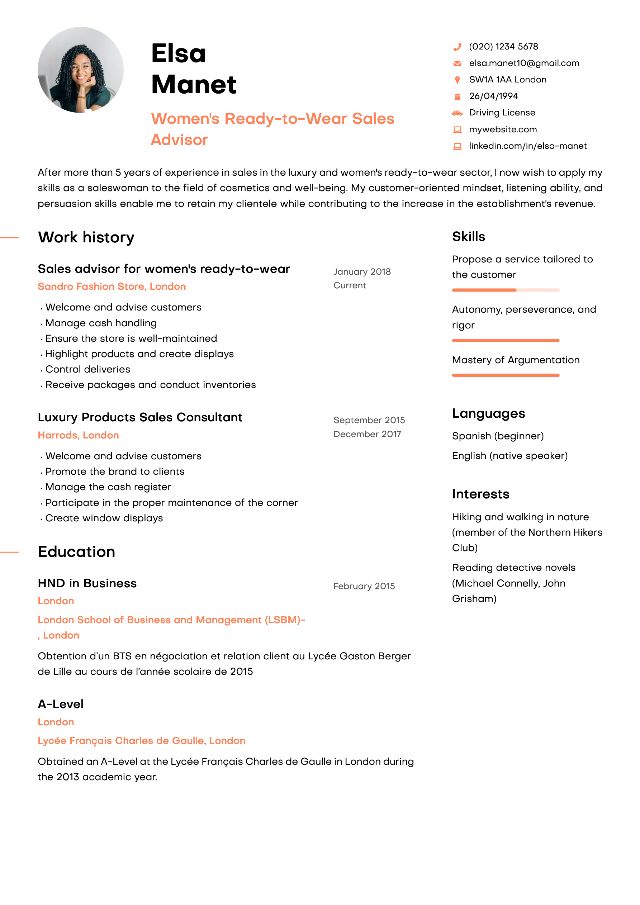
- yellow and orange are suited for creative CVs in marketing and communication, for example;
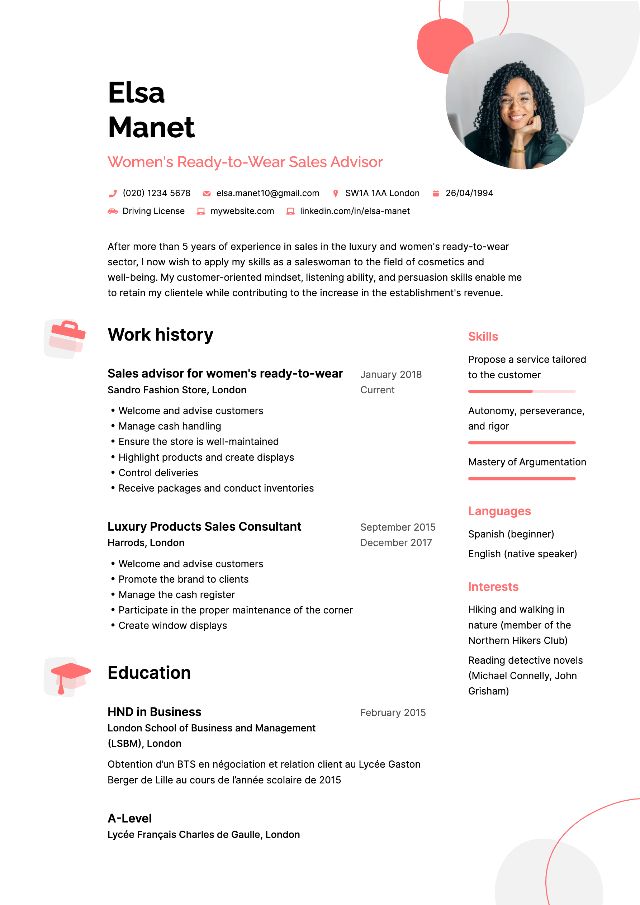
- red will reflect a dynamic personality for commercial or banking professions;
- brown will be ideal for construction or craftsmanship trades;
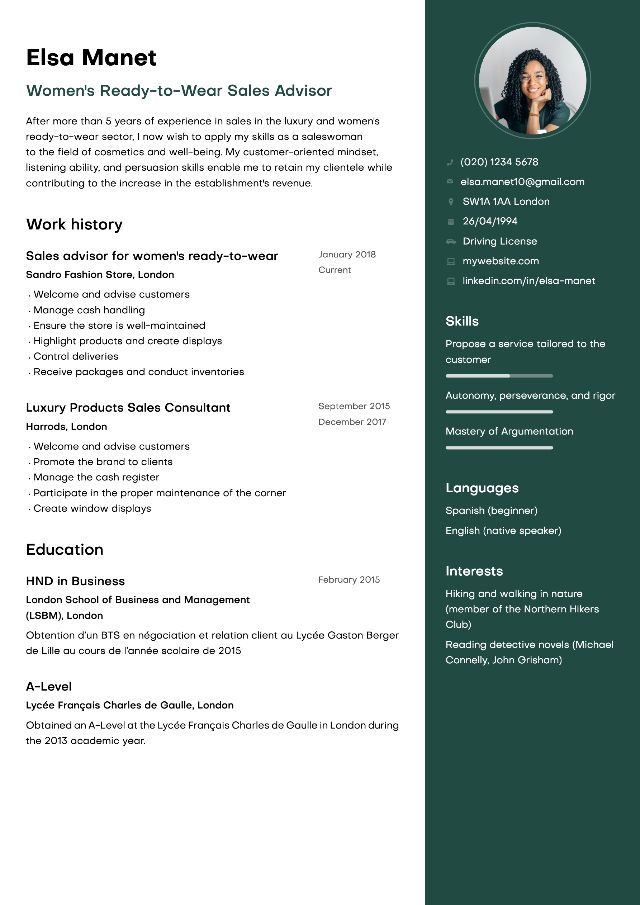
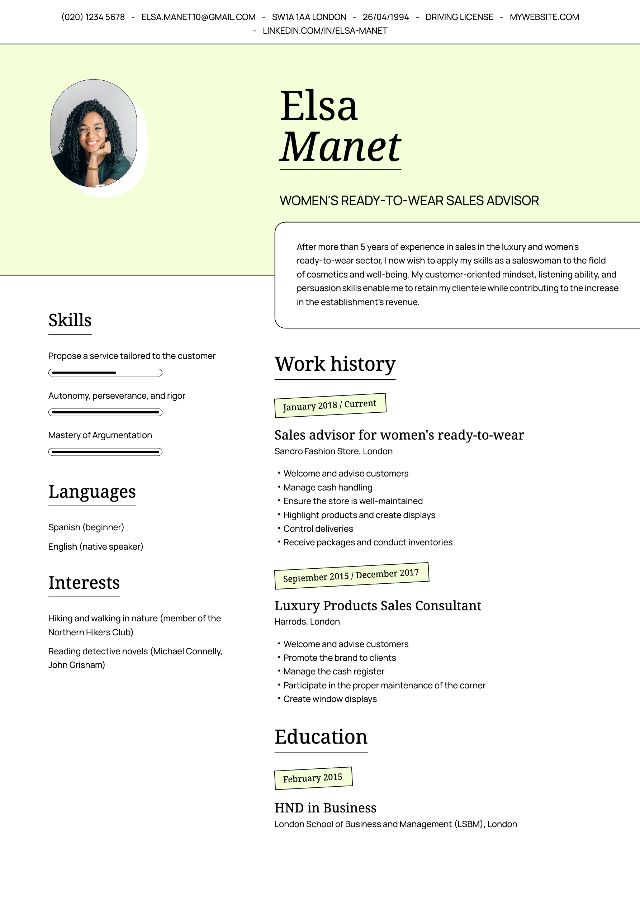
- a CV template with touches of green will highlight your environmental sensitivity and will be ideal in the ecology or wellness professions sector.
You can also choose a CV design that reflects your personality . Know that yellow communicates joy while orange will inspire confidence in the recruiter.
Thanks to our colour wheel, you will be able to adapt your CV template to your personality. Do not forget that certain CV colours go together more or less well. Blue and orange, for example, pair perfectly.
CV templates for every profession
To help you write your application, CV examples sorted by profession or type of training, for students, are available on the site. Our HR expert has specially crafted them for you. Also discover our cover letters for positions such as carer, salesperson or for working in the restaurant industry, as well as for joining a school.
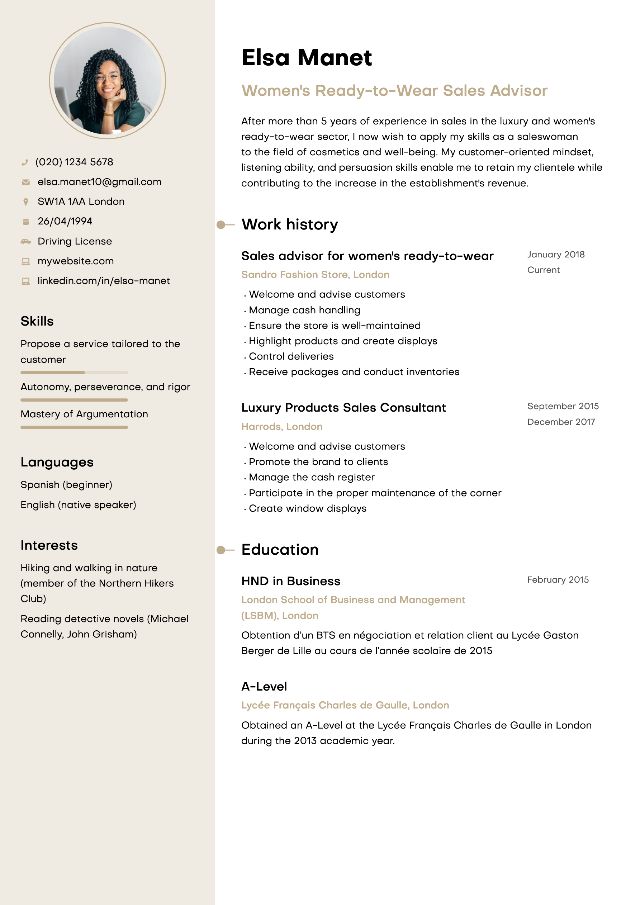
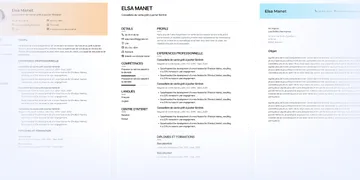
Here again, our CV designs can adapt to your profession . The Regulus model, with its small colourful icons, is perfect for a student CV or a CV in communication. The Castor CV model has a more understated design and will be perfect for applying to support functions. As for the Pollux CV design, it is particularly favoured by candidates who apply in the industrial or logistics sectors.
You can choose from other CV models such as the Portia, with its elegant design, the Vega, with its clear and structured formatting, or the Oberon model, which has a very original design.
In total, you will find on our CV designer 8 customisable CV templates to personalise infinitely with the colours of your choice.
How to use our CV designer?
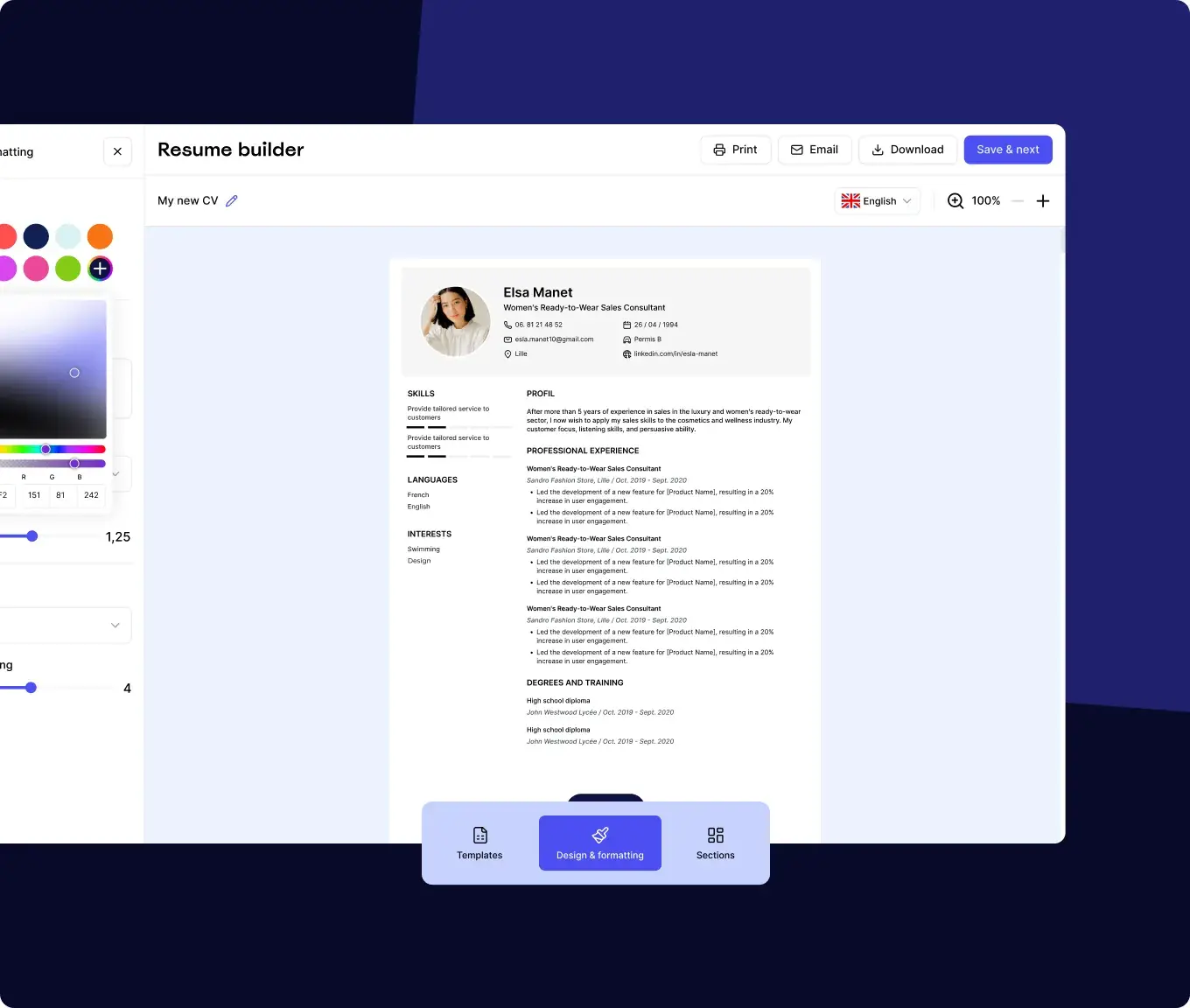
From the homepage of our CV designer, simply click on the blue button “Create my CV”. You will land on the curriculum vitae creation page. Then press the small “Create” button. You will be able to see our large selection of CV templates and choose the one you prefer by clicking the “use this template” button.
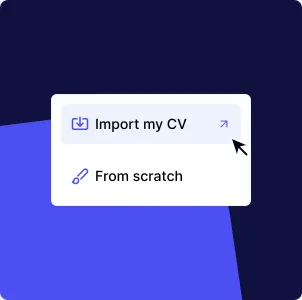
Our online CV designer offers you two choices:
- Create a CV from scratch
- Import an existing CV
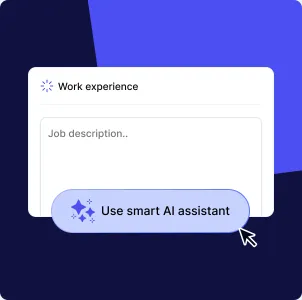
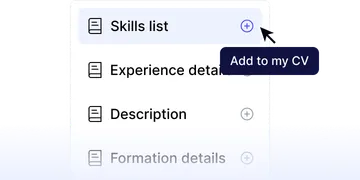
If you choose the first option, you will access the various sections to fill in to complete your curriculum. You can add your personal information, your professional experience, your training and several optional sections such as interests or foreign languages.
Once your CV is completed, you can change the CV template or revise its design by customising the colours.
You then simply need to download it!
How to create a CV without software?
Good news! Our online CV creator does not require tedious registration or software installation on your PC . Everything happens online: from creating your CV to downloading it, our CV creation interface is intuitive and allows you to generate a CV in just a few clicks. We send you a magic link to validate your registration, which saves you from having to fill in numerous fields before you start creating your CV.
This will save you from paying for an Office Suite software subscription to create a CV from your computer, which would be more difficult to achieve.
Our tips for a good CV in 2026
A CV that will be noticed must contain the information that the recruiter expects . Get straight to the point with a one-page document. And above all, customise your CV as much as possible according to the position to be filled . Follow our tips for writing an effective CV for an application that will be retained by the employers you are targeting:
- Only indicate experiences relevant to the position to be filled
- Highlight your achievements rather than your tasks
- Add examples of quantified results from your missions
- Highlight the professional qualities expected by the employer
The presentation of your curriculum vitae is also an important criterion for recruiters. To ensure you have a graphic and professional CV, use our CV designer.
How to create a CV in PDF format?
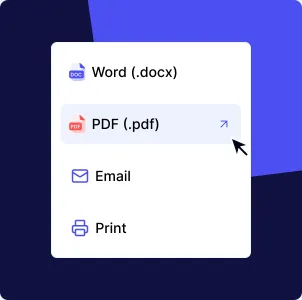
All CVs you create on our CV designer are exportable in PDF format. This ensures you maintain the correct formatting of your curriculum when sending your application to the recruiter. The PDF format is important because it is readable by ATS, the recruitment software that scans your CV for keywords.
Never import a CV in image format, as it would not be readable by ATS software.
On our CV designer, once your document is filled out, you just need to click on the “Download” button to save your CV as a PDF on your computer.
In Word, click “save as” and choose the “.pdf” format from the dropdown menu in the save window.
How to create a CV using your phone?
Our online CV designer is mobile friendly and allows you to create a CV from your smartphone. There is no need to download an app; you can create your CV directly from our website in mobile version.
Indeed, practices are evolving and many candidates apply directly from their smartphones. It saves time and allows you to apply more quickly to a job offer. It is therefore essential to choose a CV creator that makes your life easier.