
Create a perfect resume in minutes
Create a resume in just a few minutes with our recruiter-approved templates and our AI assistant.
Create your resume in 4 steps
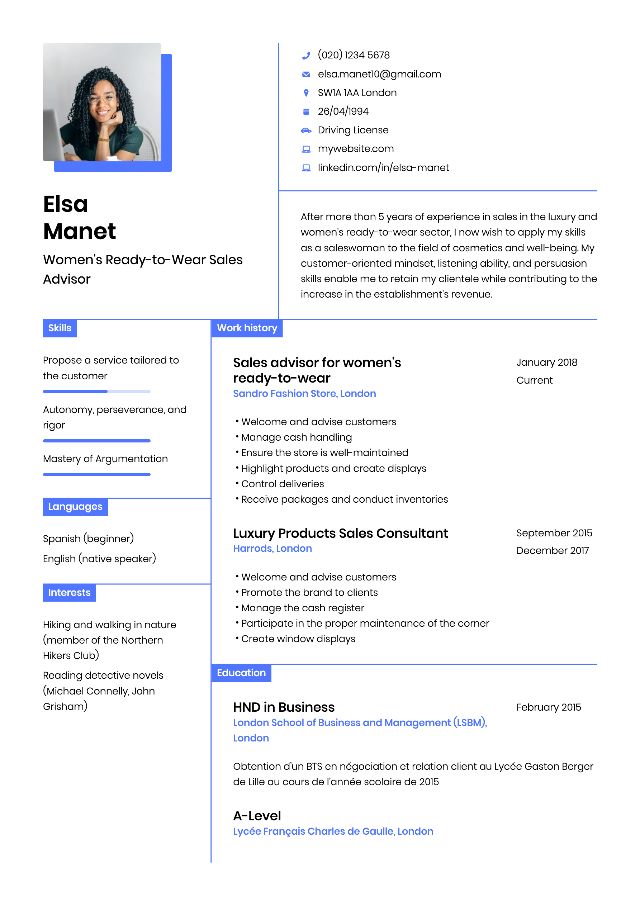
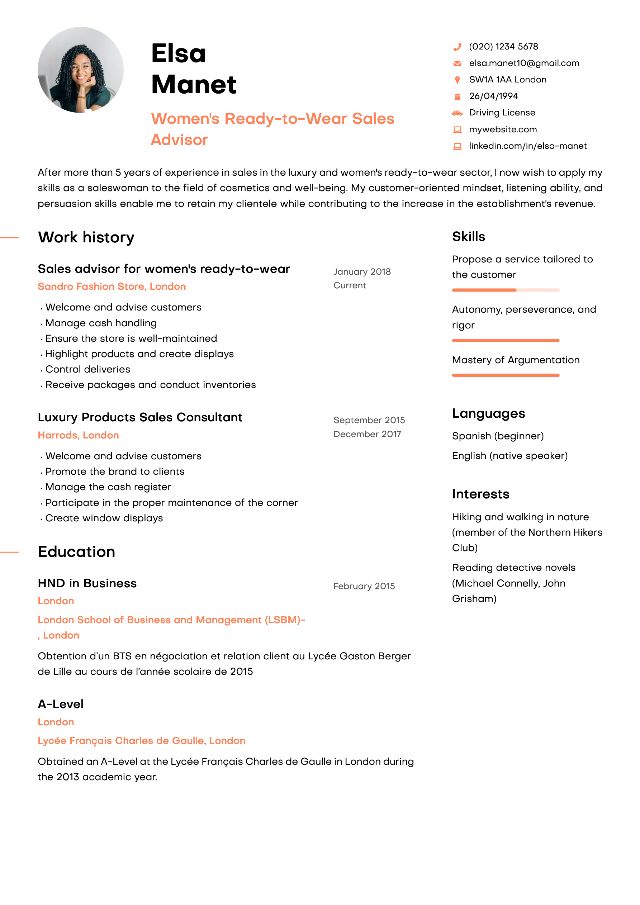
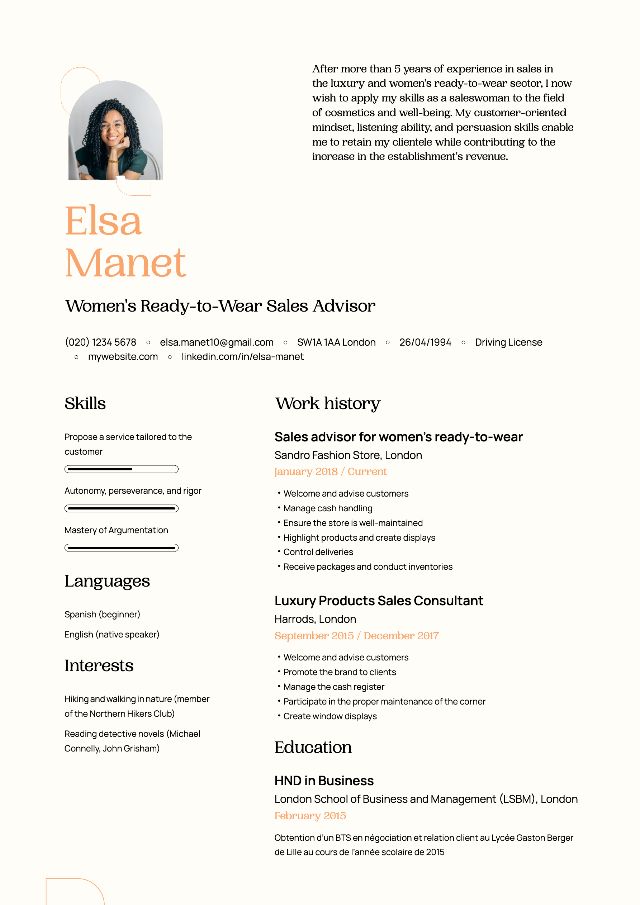
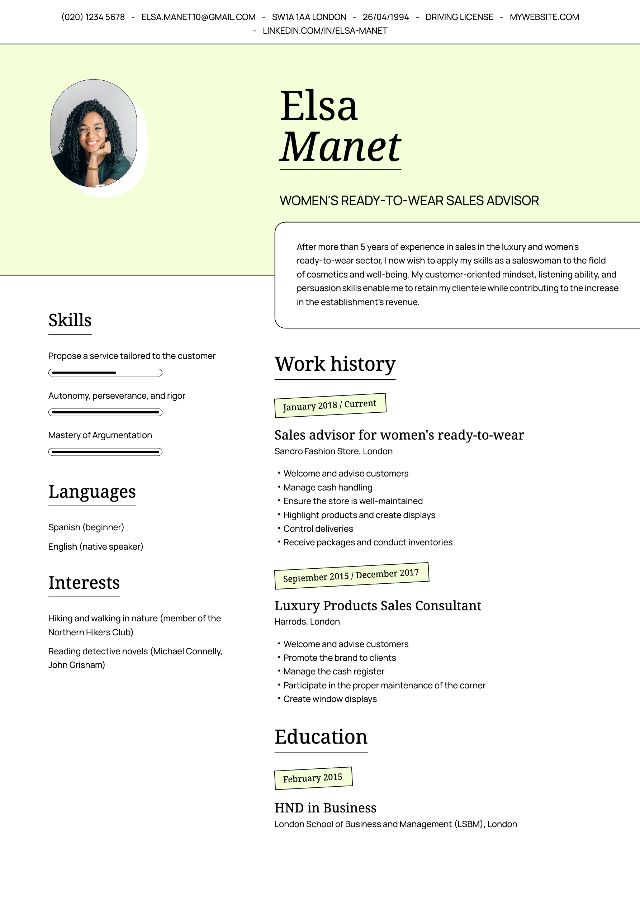
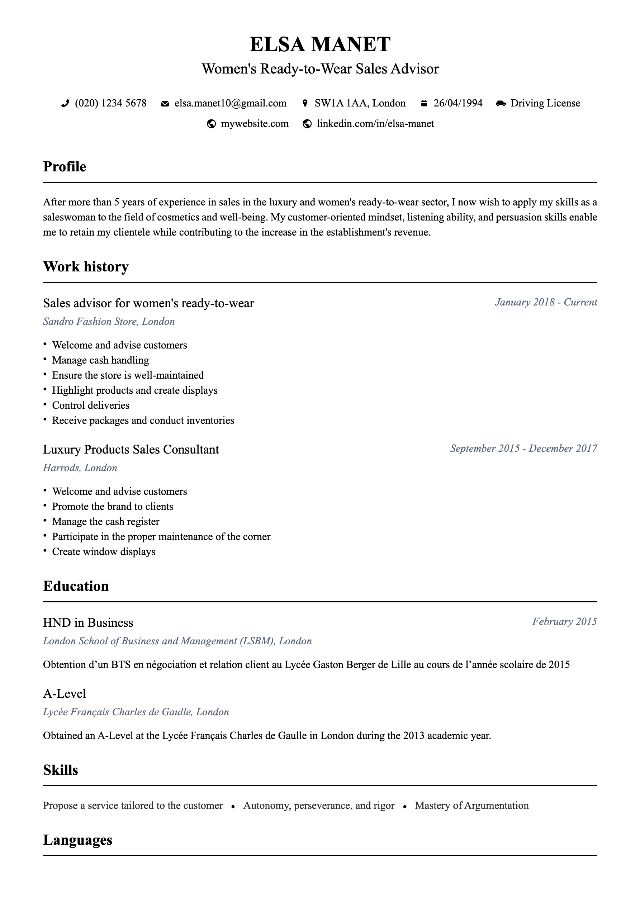
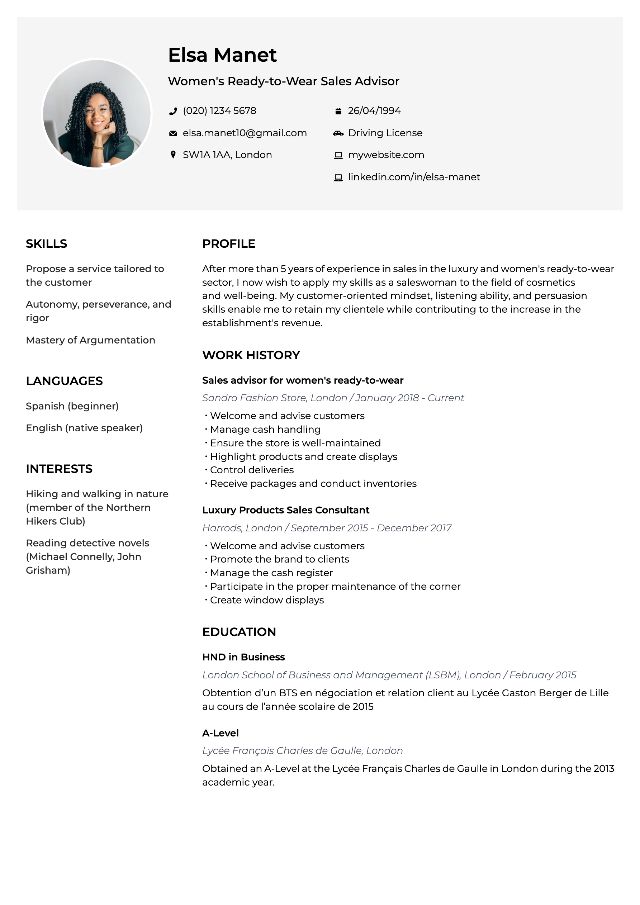
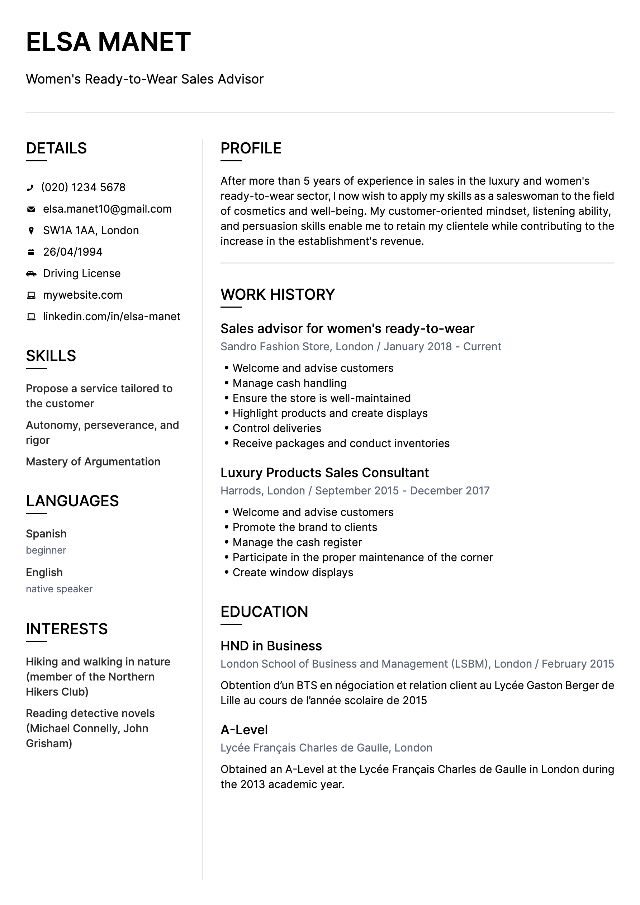
Choose a recruiter-approved template.
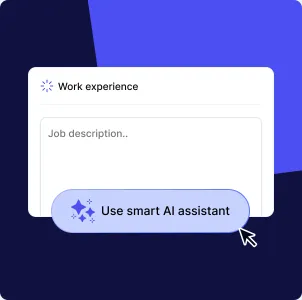
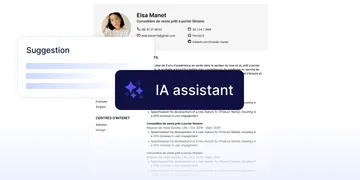
Complete your resume with the help of our AI assistant.
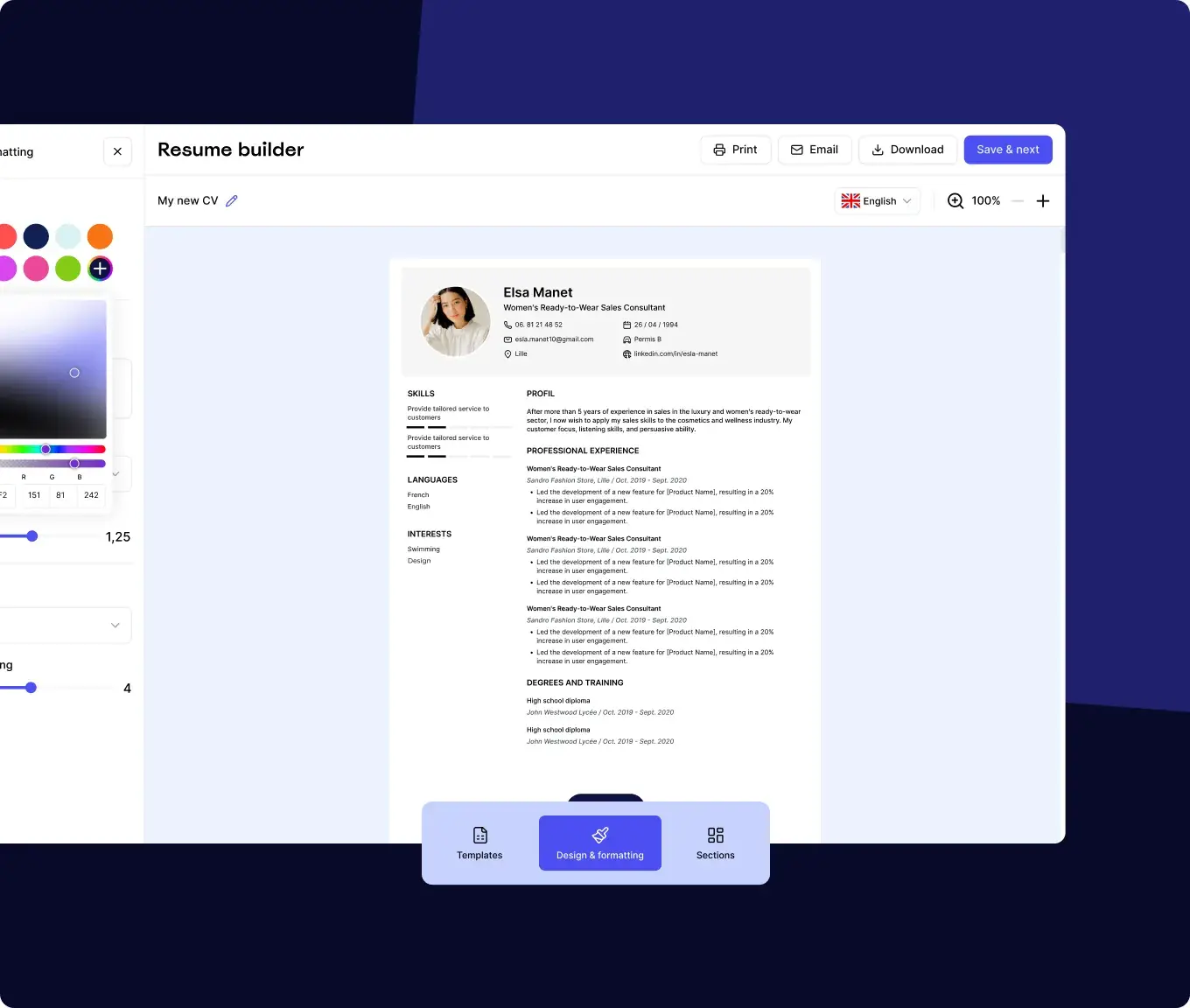
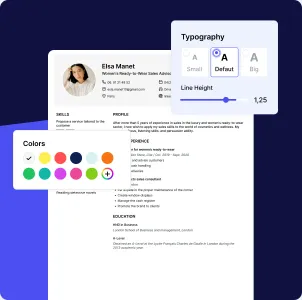
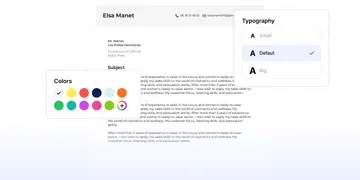
Customize the design according to your tastes.
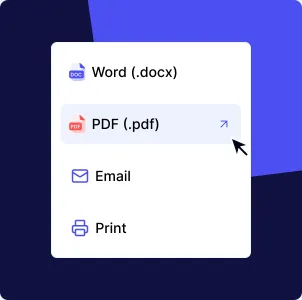
Download your resume and start applying.
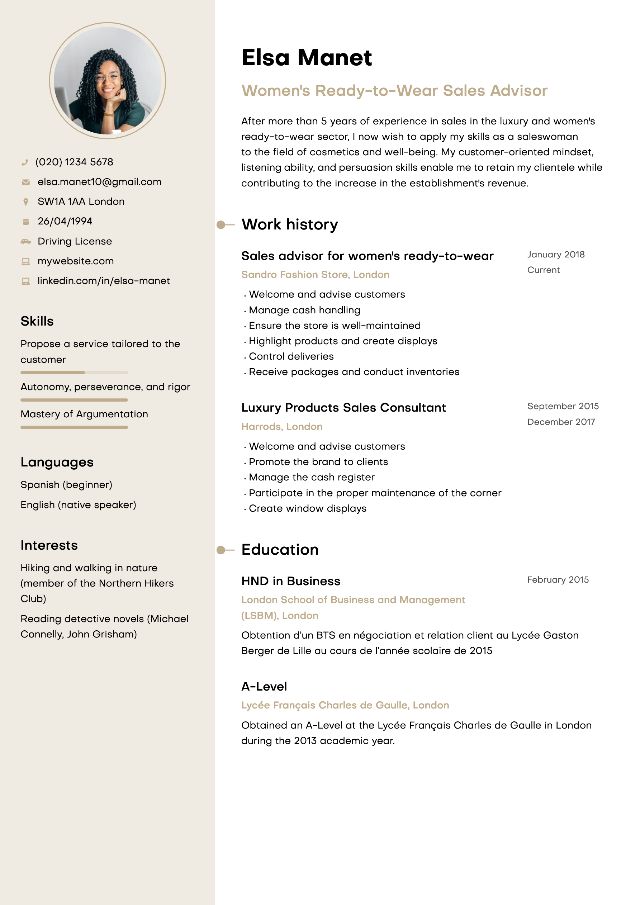
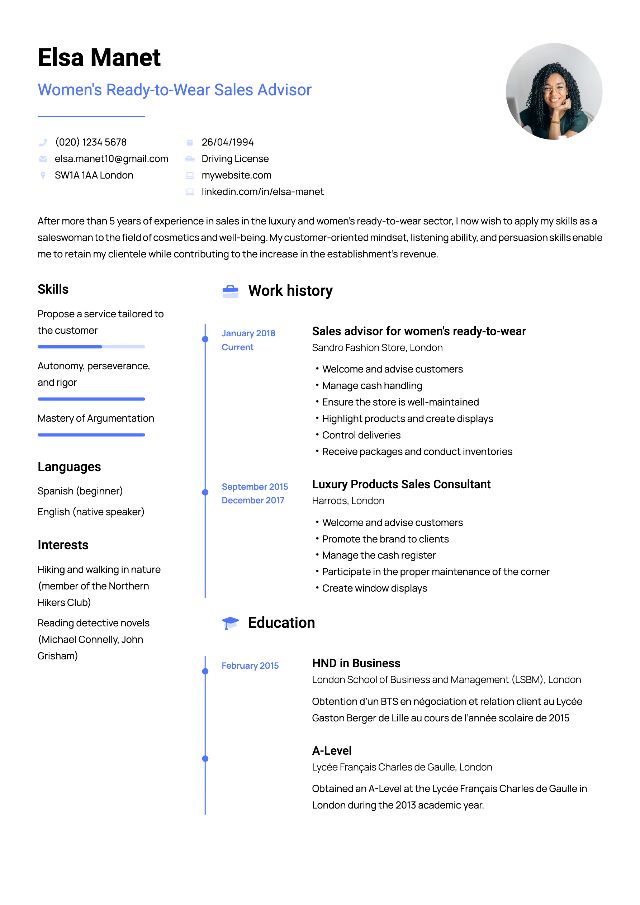
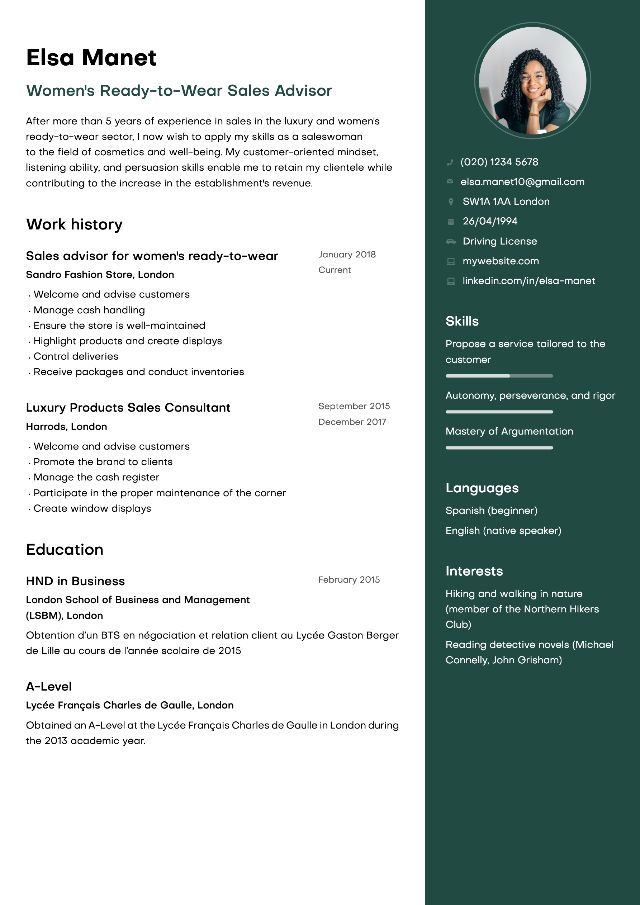
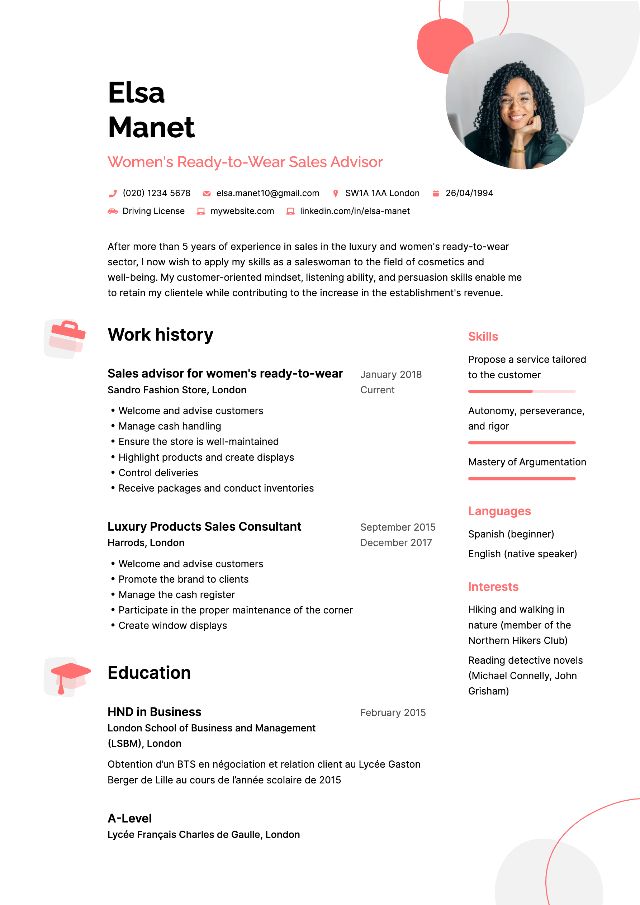
Choose your professional resume template
All our resume templates are approved by recruiters.
6 Reasons to Create Your CV with MakeMyCV
CV Creator
Our CV designer allows you to create a CV online quickly and easily.
Pre-written Content
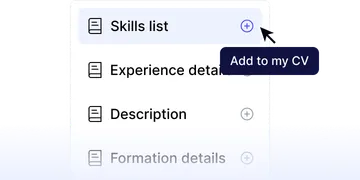
No need to be a CV specialist! Take advantage of our pre-written content, validated by recruiters, to showcase yourself.
AI Assistant
Get content suggestions for your CV, crafted by AI and approved by recruiters.
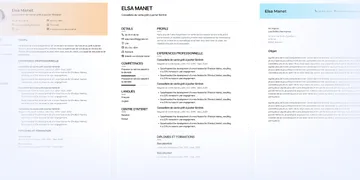
Cover Letter Creator
Create a matching cover letter in just a few clicks, using pre-written content.
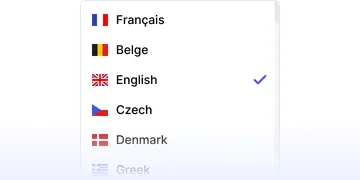
Multilingual Templates
With one click, the CV headings are translated into the chosen language: English, Spanish, German, Italian...
Approved Templates
Our templates are approved by recruiters and optimized for ATS.
Online Resume Creation: Easily Create a Stylish Resume
What is the best resume builder?
Creating a professional resume online is one of the quickest and easiest methods. With recruiter-approved templates available, candidates can improve their chances of landing interviews.
The process involves: choosing a resume design, completing fields with information (education, experiences, skills, languages), and downloading in PDF format. Users can edit resumes as needed using the resume creation software for personalized applications.
The cover letter process follows an identical approach, allowing users to select templates and draft text directly online or import Word documents.
How to create a free online resume?
MakemyCV provides a trial period with free, modern templates. Creating resumes without cost is possible using Word or Open Office with pre-filled templates, though manual adjustments may break formatting. Online templates remain more reliable for polished, professionally-aligned resumes.
Create a design resume from an online resume template
One out of two recruiters pays close attention to a resume’s design. Modern resumes now incorporate color and original layouts while maintaining standard sections (headline, work experience, education, skills, languages).
Resume templates suitable for all types of jobs and profiles
MakemyCV offers templates for students and experienced professionals across all industries and career levels. Each template follows current standards and has been reviewed by professional recruiters.
How to create a simple resume that will appeal to all recruiters?
The competition is fierce in the job market in 2026. Professional resumes include essential sections:
- Civil status
- Title
- Profile
- Professional Experiences
- Training
- Skills (qualities, languages, IT)
Optional elements include interests. stay understated and focus on clarity and readability . Color can be added to section headings for a modern appearance.
Create an original resume to stand out from other candidates
Creative resume templates benefit arts and communication roles. Color and graphic elements help candidates stand out without excess. Modern layouts effectively highlight digital skills across positions.
How to easily create a design resume?
MakemyCV offers resume templates adapted to every profession . Traditional fields (finance, law) favor classic styles, while other industries benefit from modern formats. Multiple color options allow personalization.
What color to choose for a resume?
To create a stylish resume that will stand out everywhere, blue serves as a unifying color. Choosing from various shades enables industry-specific customization:
- Yellow and orange suit creative roles in marketing and communication
- Red reflects dynamic personality for commercial or banking professions
- Brown works for construction and craftsmanship roles
- Green highlights environmental sensitivity for ecology and wellness fields
Yellow communicates joy while orange inspires recruiter confidence. Blue and orange pair perfectly.
Resume templates for every profession
The builder offers 8 customizable resume templates that you can endlessly personalize with your preferred colors.
How to use our resume designer?
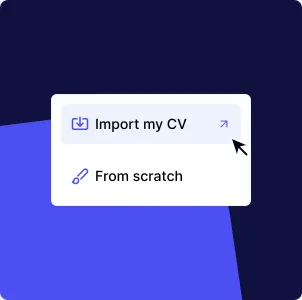
From the homepage, click the blue “Create my resume” button. The online resume designer offers two choices:
- Create a resume from scratch
- Import an existing resume
Once your resume is completed, you can change the template or revise its design by customizing the colors. Then download!
How to create a resume without software?
Good news! With our online resume builder, lengthy sign-ups and software installation are unnecessary. Everything occurs online with user-friendly interface. Magic link account confirmation avoids endless forms.
Our tips for a good resume in 2026
To stand out, a resume must include the key details recruiters are looking for. Keep it concise at one page and tailor it to specific roles:
- Indicate only relevant experiences for the position
- Highlight achievements rather than tasks
- Add examples of quantified results
- Highlight professional qualities expected by employers
To ensure you have a graphic and professional resume, use our resume designer.
How to create a resume in PDF format?
All resumes export to PDF format, maintaining correct formatting. The PDF format is important because it is readable by ATS, the recruitment software that scans your resume for keywords. Never import resumes in image format. Click “Download” to save as PDF.
How to create a resume using your phone?
Our online resume builder is fully mobile-friendly , enabling resume creation from smartphones without app downloads. As job search habits evolve, more candidates apply via phones, saving time.
Create and edit your resume in just a few clicks and without limits.
Stand out with a stylish resume template and land the job of your dreams.