
MakeMyCV

+1 million satisfied users

Create a perfect resume in minutes with AI

Create a resume in just a few minutes with our recruiter-approved templates and our AI assistant.

Excellent
on Trustpilot
Our users have been hired by*:
apple dhl accenture amazon tesla apple dhl accenture amazon tesla

Everything you need to land interviews
in one place

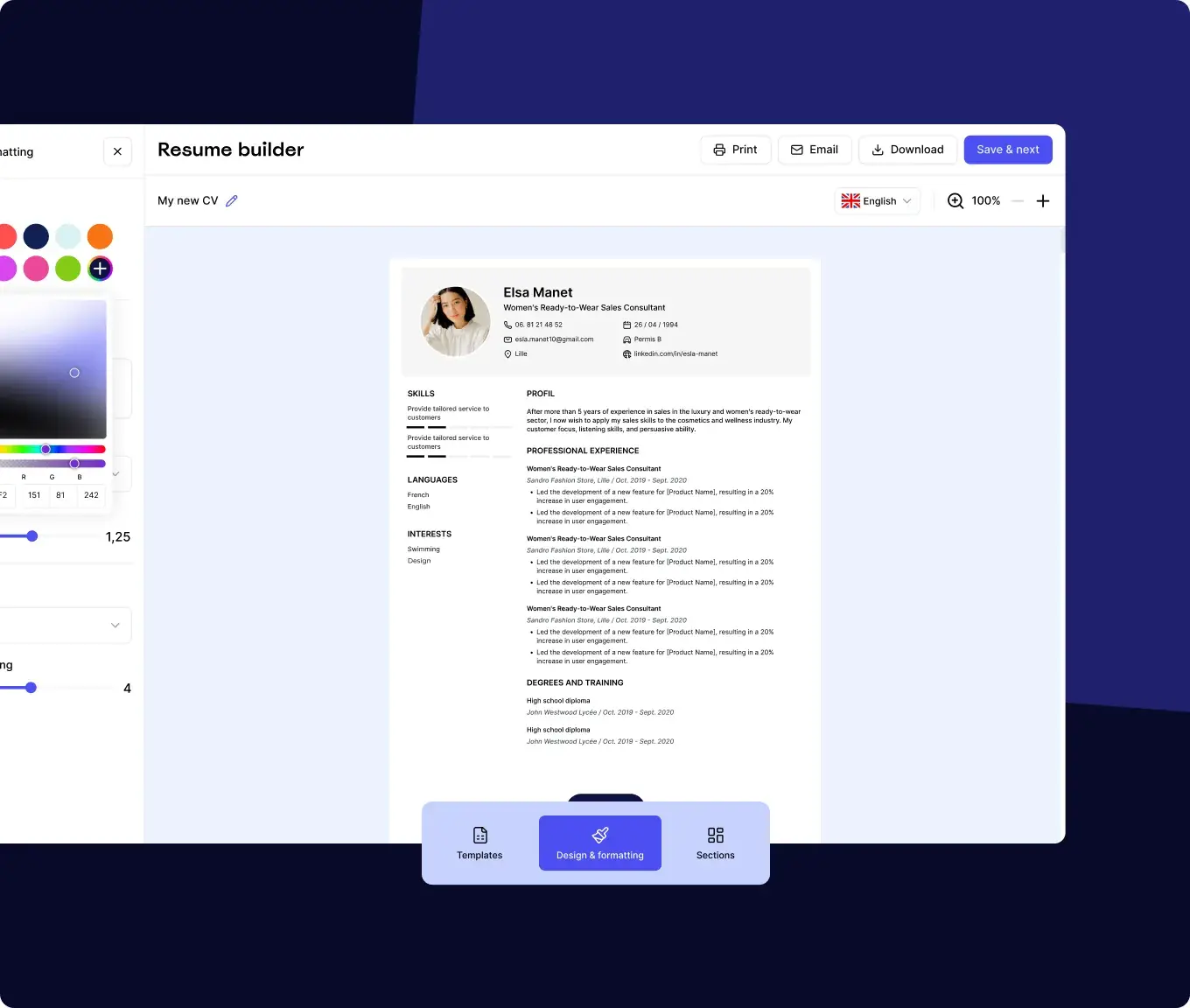
The MakeMyCV resume builder with live preview and design controls

Build a recruiter-ready resume in minutes

Recruiter-approved templates and an AI assistant do the heavy lifting.

Create my resume

Create your resume in 4 steps

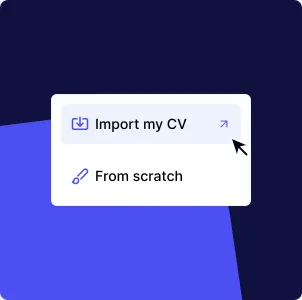
Start your way

Start your way

Import an existing resume or start from scratch.

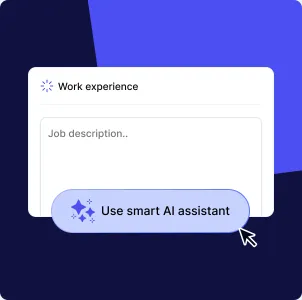
Write it with AI

Write it with AI

Get tailored phrasing for each section as you type.

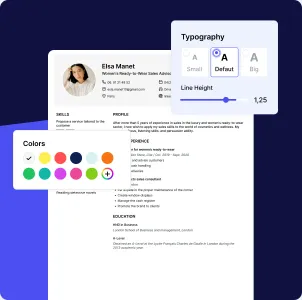
Make it yours

Make it yours

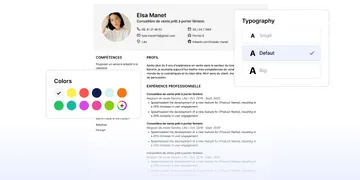
Adjust colours, fonts, and spacing in one click.

Download and apply

Download and apply

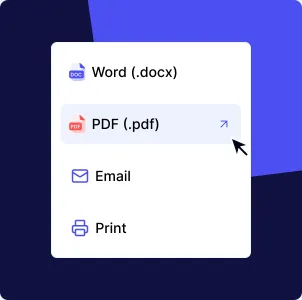
Export to PDF or Word and start applying.

+1 million satisfied users

Excellent
on Trustpilot
Based on 3000+ reviews

Really good for making resume

Really good for making resume. Easy and looks awsome. Got the Job in two days. Maybe i was lucky. Maybe my resume was that good. Thanks

Ivan

The format was extremely easy to follow…

The format was extremely easy to follow and organised. The AI suggestions were very helpful in guiding my content.

Ally Fox

User friendly

Very easy to use, the best way to complete your key to search your way for the profession of your life

Rocco Giordano

Easy and fast way to write an excellent

Easy and fast way to write an excellent resume, clear to the readers and with all the needed information

Lorenzo

The creation of a resume is very simple

The creation of a resume is very simple, fast and helpful. More job offers has come due my new resume.

Milan Kulvelis

6 Reasons to Create Your Resume with MakeMyCV

Resume Creator

Resume Creator

Build your resume online in a clean, distraction-free editor.

Pre-written content

Pre-written content

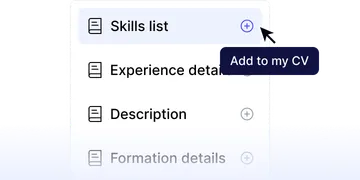
Not sure what to write? Start from recruiter-validated content and edit it.
IA Assistant

IA Assistant

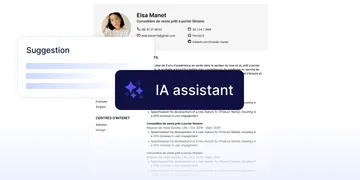
Get content suggestions for your resume, crafted by AI and approved by recruiters.
Multilingual Templates

Multilingual Templates

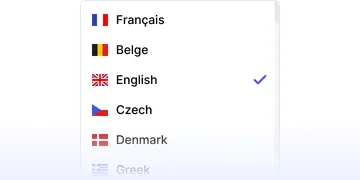
Translate your resume headings into 20+ languages in one click.
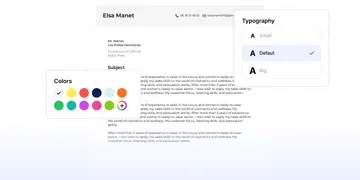
Cover Letter Creator

Cover Letter Creator

Create a matching cover letter in just a few clicks, using pre-written content.
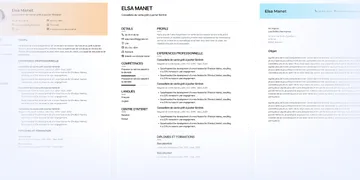
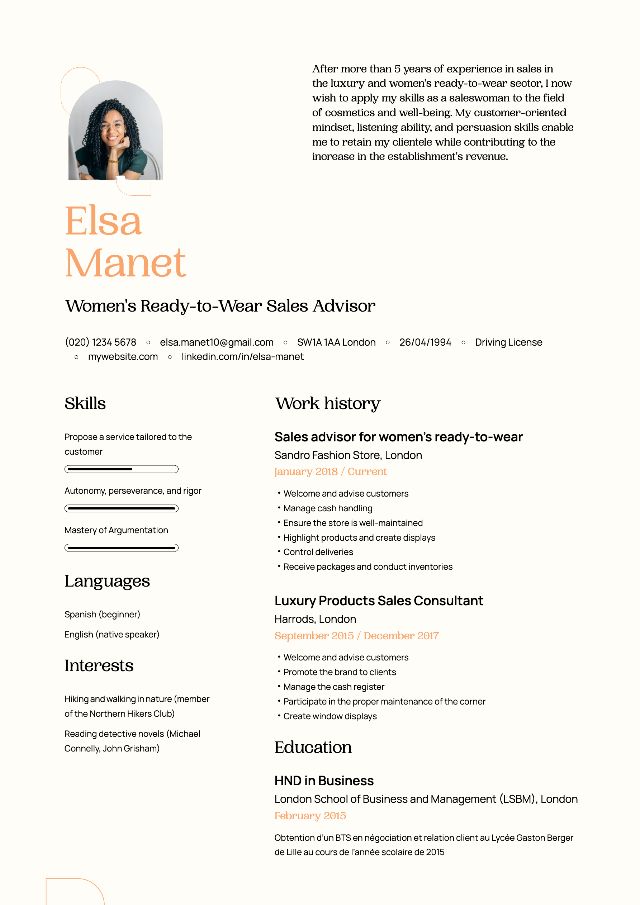
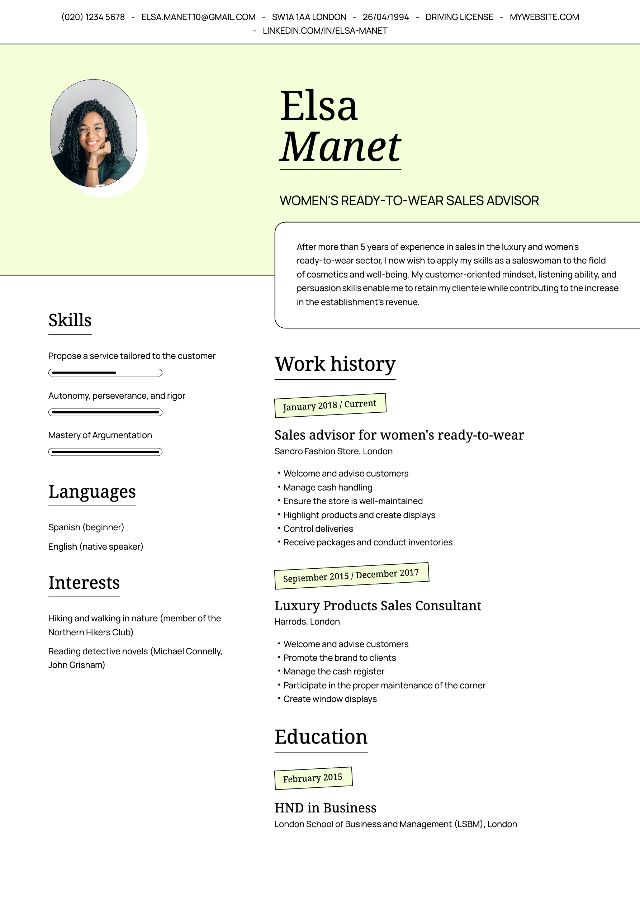
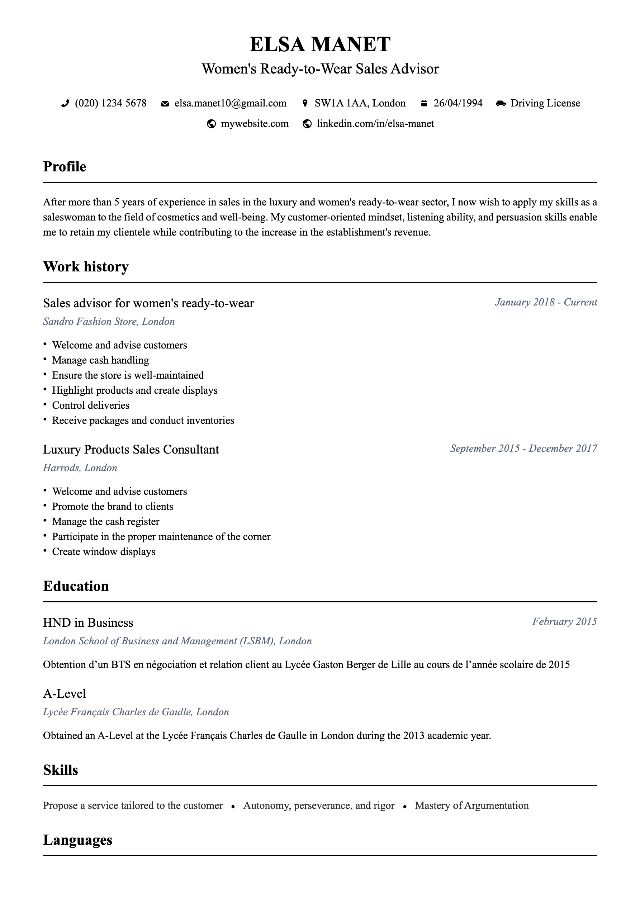
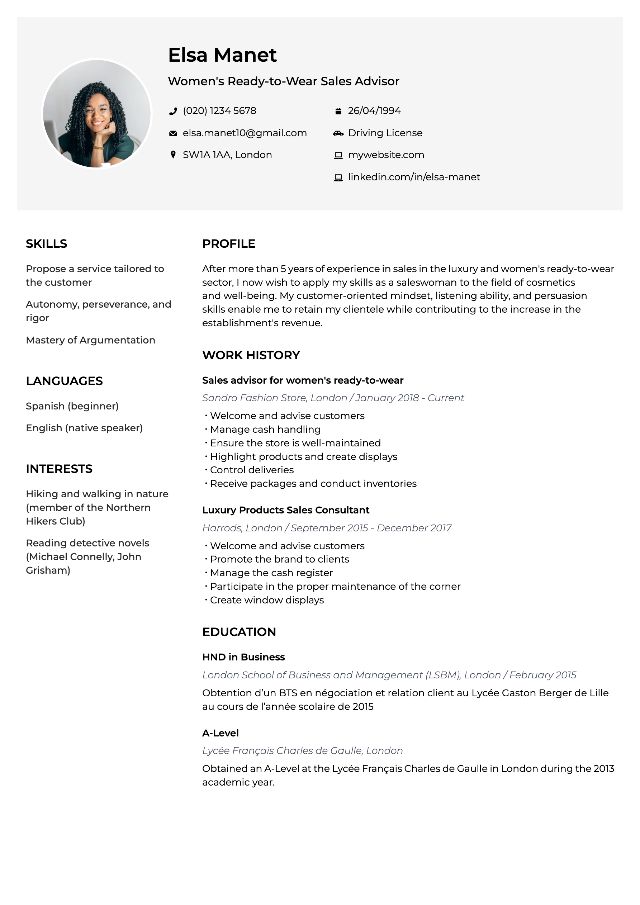
Approved templates

Approved templates

Our templates are approved by recruiters and optimised for ATS.

Create my resume

Online CV Creation: Easily Create a Stylish CV

What is the best resume builder software?

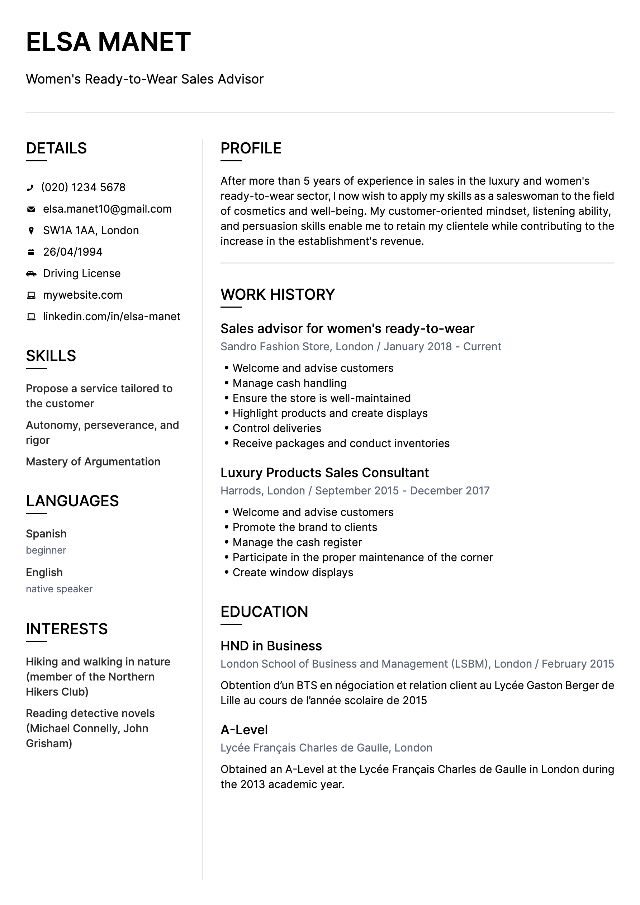
To create your professional CV, using an online CV creation software is the fastest and simplest way . The templates offered are validated by recruiters: this way, you maximise your chances of securing an interview for the desired position.

To create your CV, simply follow each of the steps below:

  1. Choose the CV design that suits you best from the fillable CV templates offered online
  2. Complete the fields of each section with your information (education, experiences, skills, languages…)
  3. Download the CV in PDF format

You can then edit your CV as you wish using our CV creation software. Convenient for sending a personalised application to different recruiters!

For a cover letter, the procedure is identical. Simply select a cover letter template and write your text directly online. You can also paste your letters from Word.

How to create a free online resume?

To test the online CV creation tool, a trial is offered. select the free and stylish CV template in the first step of creation . You can also create your CV for free using Open Office or Word. Note that some templates only include basic sections. For a professional CV, it is best to choose an online template.

Create a design CV from an online CV template

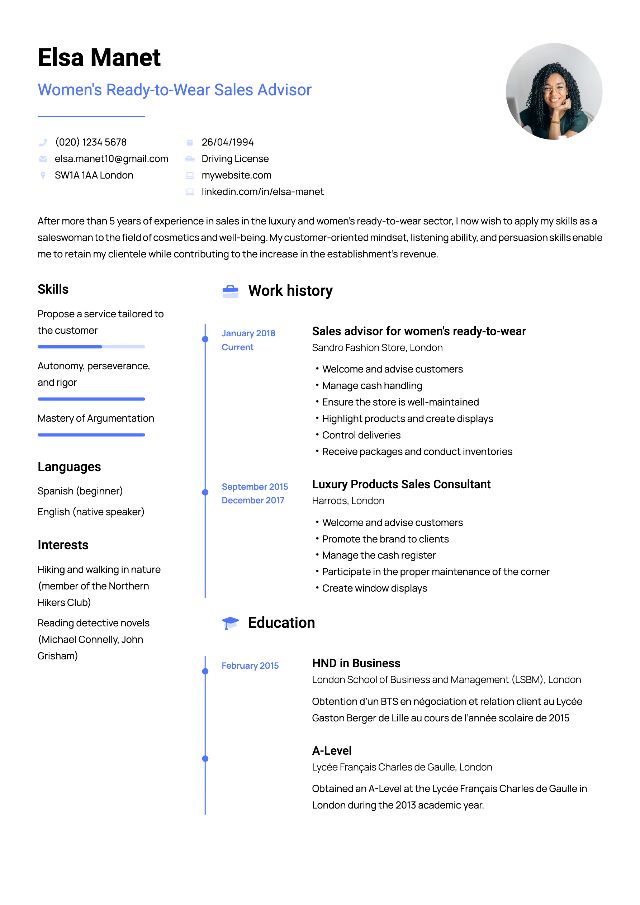
1 recruiter out of 2 places importance on the design of a CV. Maximise your chances by using a modern CV template.

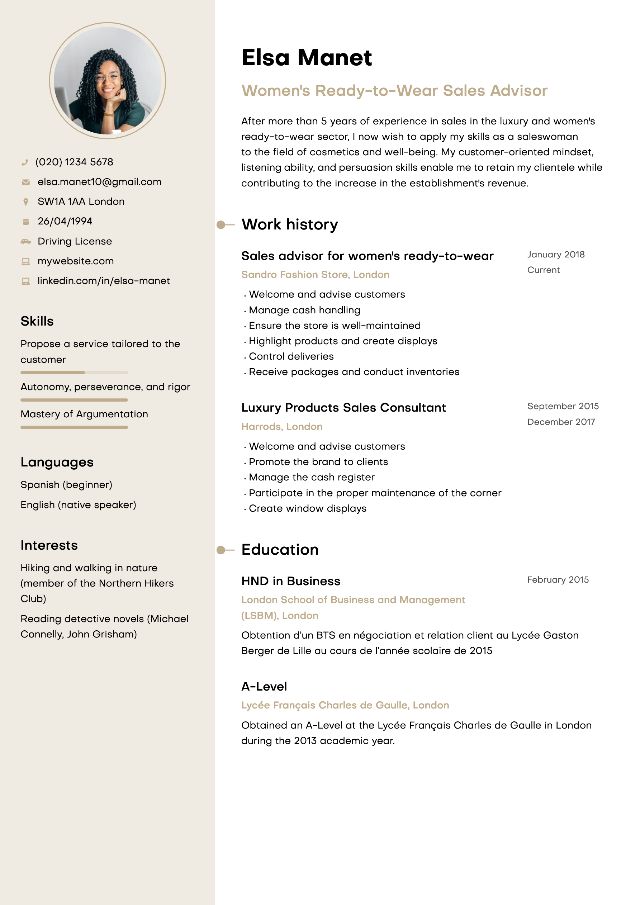
CVs have evolved in recent years with colour and originality. The sections remain (title, experience, degrees, skills, languages), but it is important today to showcase your skills and qualities.

CV templates suitable for all types of jobs and profiles

On MakemyCV, students and professionals can find the CV template that suits them. Our designs adapt to all types of jobs and ages, and are validated by professional recruiters.

How to create a simple CV that will appeal to all recruiters?

The competition is fierce in the job market in 2026. A professional CV includes essential sections:

  • Civil status
  • Title
  • Profile
  • Professional Experiences
  • Training
  • Skills (qualities, languages and IT)

Some elements, such as interests, are optional. Stay understated and focus on clarity and readability .

Create an original CV to stand out from other candidates

In creative fields, a creative CV template can make the difference. The use of one or two colours, or graphic shapes to separate the sections helps you stand out.

How to easily create a design CV?

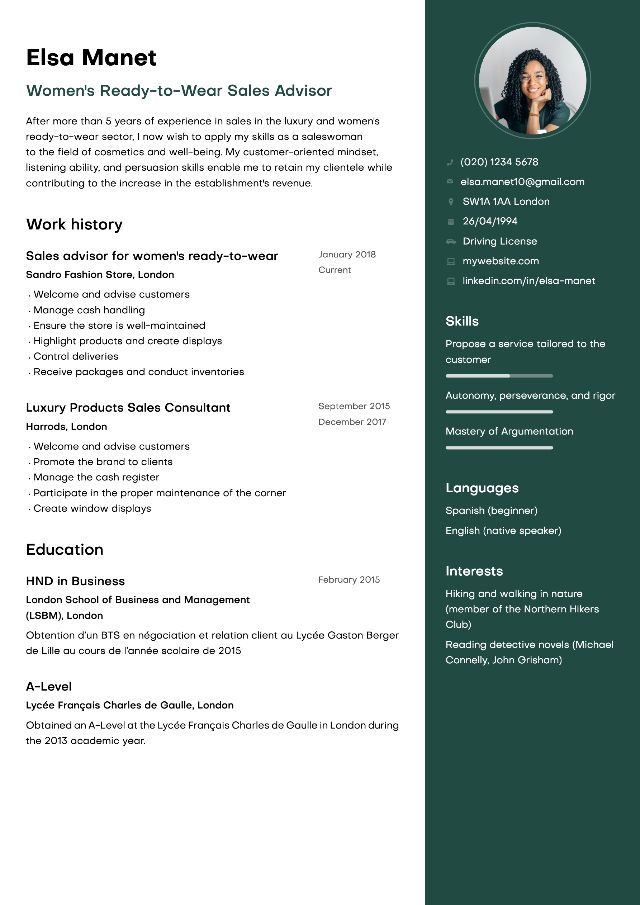
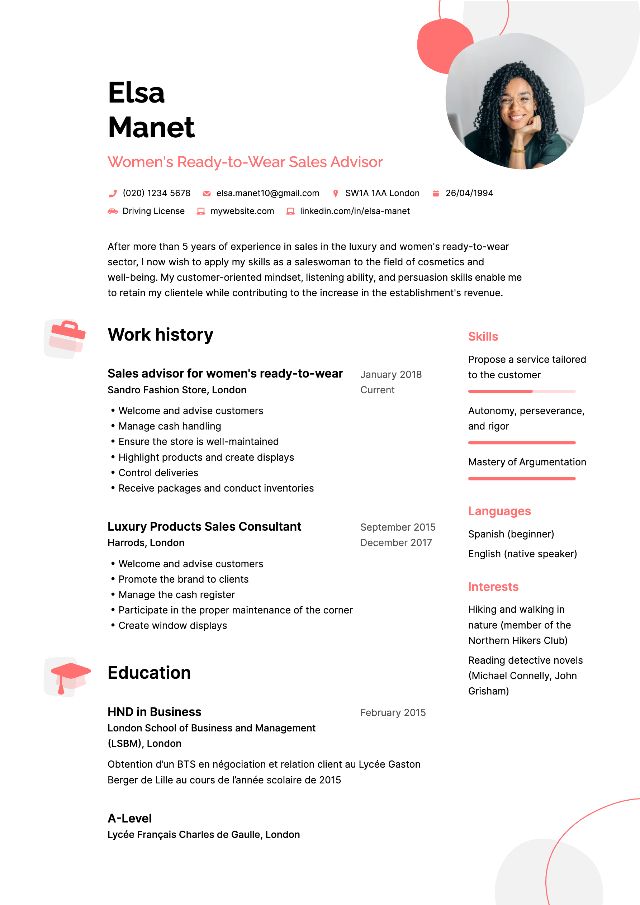
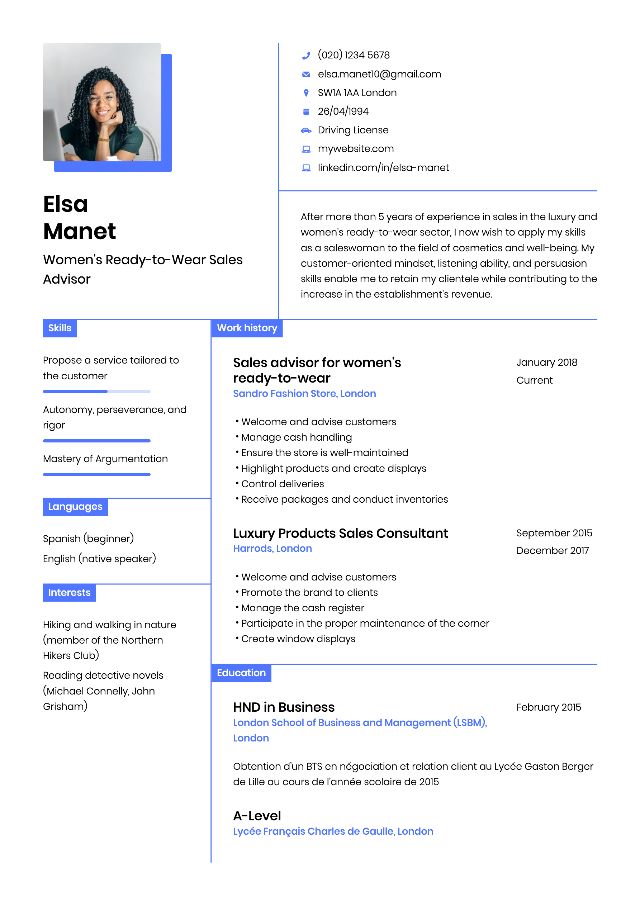
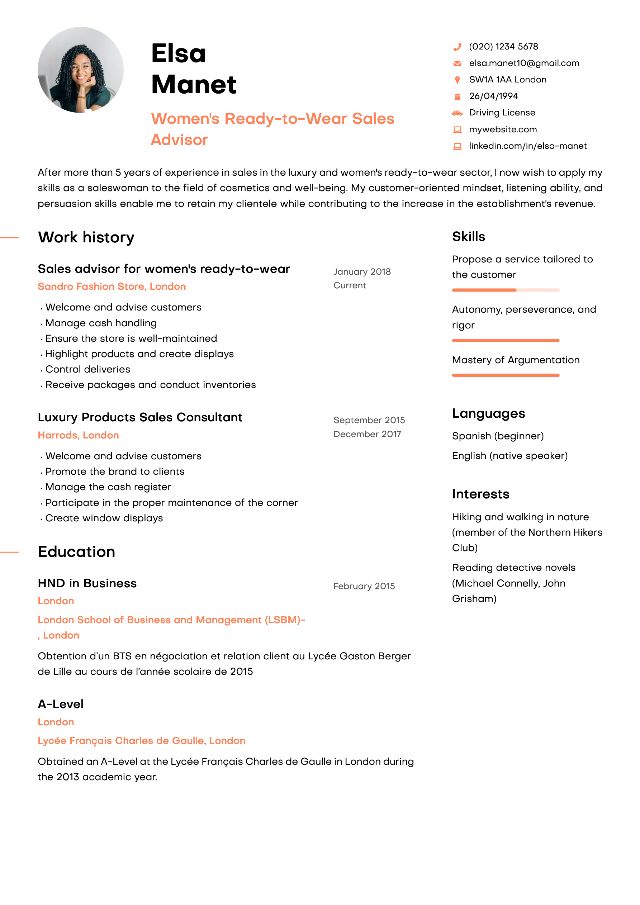
On MakemyCV, you will find CV templates suited for every type of job . Each model is available in different colours .

What colour to choose for a design CV?

We recommend blue as the unifying colour. By sector:

  • yellow and orange for creative CVs in marketing and communication;
  • red for commercial or banking professions;
  • brown for construction or craftsmanship;
  • green for ecology or wellness.

CV templates for every profession

In total, you will find 8 customisable CV templates to personalise infinitely with the colours of your choice.

How to use our CV designer?

Click the blue “Create my CV” button. Two choices:

  • Create a CV from scratch
  • Import an existing CV

Once complete, change the CV template or customise colours and download!

How to create a CV without software?

Our online CV creator does not require tedious registration or software installation. Everything happens online with an intuitive interface.

Our tips for a good CV in 2026

  • Only indicate relevant experiences
  • Highlight achievements rather than tasks
  • Add quantified results
  • Highlight expected professional qualities

How to create a CV in PDF format?

All CVs are exportable in PDF format, compatible with ATS. Never import a CV in image format.

How to create a CV using your phone?

Our online CV designer is mobile friendly . Create directly from your smartphone without downloading an app.

Create and edit your resume in just a few clicks

Stand out with a stylish resume template and land the job of your dreams.

Create my resume